
Remove Your Face, House, Car from Google Street View
Can you remove your face, house or car from Google Street View? It can easily photograph your face, house, car, license plate etc. and display it across the world which may raise privacy concerns. But it is easy to remove such personal images from Google Street View easily.
Google respects your privacy and usually blurs identifying personal details. But now you can ask Google to have photographs of yourself, your children, cars or houses completely removed from the Google Street View even where the images have already been blurred.
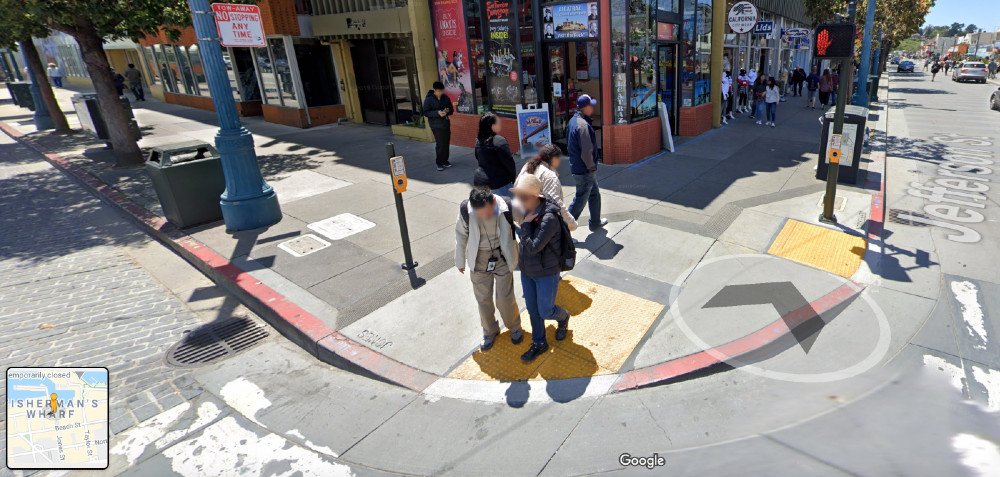
Step 1 – Identify Street View
Visit Google Maps, zoom to the maximum zoom possible, and if a Street View is available, you can see the blue streets light up with details. You can also make the small orange man on the bottom right screen walk along the street and watch the Street View change. First find the Google Street View page.
For example, I walked along the Market street in San Francisco on Google maps, and found several people and shops. Suppose I want to report that the Google Street car photographed my face and pasted it on Google Street view, I can report it to Google.
Step 2 – Report Inappropriate Google Street View
After you identify the concerned Google Street View, see the bottom right of the concerned map screen, and look for the super small “Report a Problem” link. Click on it.

Clicking on this link takes you to the page where you can Report Inappropriate Street View.
Step 3 – Focus Face, Car, House on Street Image
They provide an detailed Street View Image you reported. Adjust the red box in 3D by moving your mouse and clearly focus on the part of the image you are reporting.
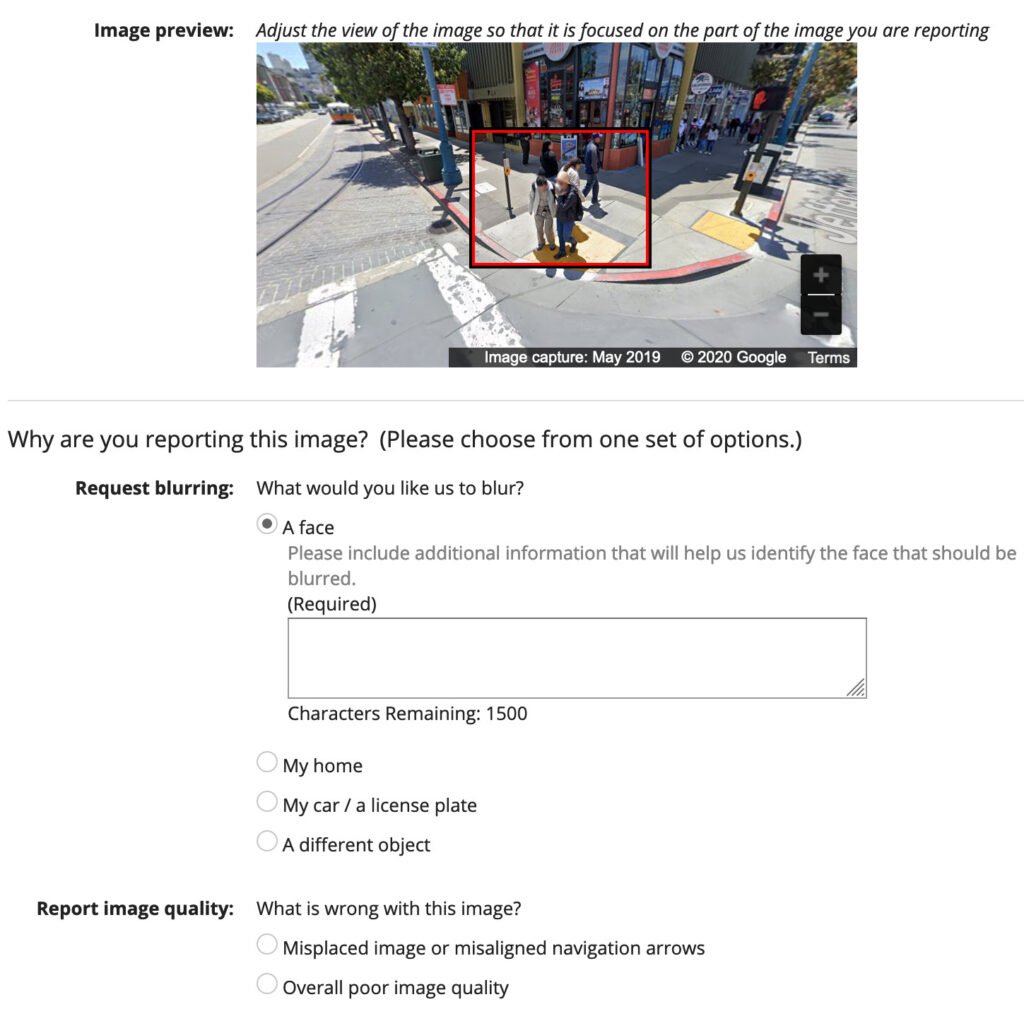
Step 4 – Report Privacy Concerns
They allow you to report a face that has not been blurred, an identifiable photo of your face or your child face, your legible license plate that has not been blurred, a picture of your car, your house, inappropriate offensive images, bad image quality, security concerns etc. Report your Street View problem in detail and fill in your email.
Submit it and you are done. Check the neighbourhood around your house on Google Maps Street View, and if you find yourself there, unblurred and easily identifiable, report to Google and get yourself blurred or removed.