
How to Check Your PHP and MySQL Version in WordPress (2026)
In 2011, WordPress 3.2 raised its minimum requirements to PHP 5.2.4 and MySQL 5.0, and we used the Health Check plugin to confirm our server was ready (it was running PHP 5.2.16). That plugin’s checks are now built into WordPress as Site Health, so finding your PHP and MySQL version in WordPress takes seconds. Here’s how, and what versions you should run in 2026.
Quick answer: In your WordPress dashboard go to Tools > Site Health > Info. Open the Server section to see the PHP version and the Database section for the MySQL or MariaDB version. WordPress recommends a currently supported PHP 8.x release and MySQL 8.0+ or MariaDB 10.6+; if you’re on anything older, ask your host or switch versions in your hosting panel.
Table of Contents
How to check PHP and MySQL versions
Method 1: Site Health (easiest)
- Go to Tools > Site Health.
- Click the Info tab.
- Expand Server for the PHP version, and Database for the server version (MySQL or MariaDB).
The Status tab also warns you if PHP is outdated.
Method 2: Hosting control panel
cPanel (Select PHP Version / MultiPHP Manager), Hostinger hPanel (PHP Configuration) and Plesk all show and let you change the PHP version. phpMyAdmin shows the database server version on its home page.
Method 3: A quick PHP file (advanced)
Create a file with <?php phpinfo();, open it in the browser, then delete it immediately, since it reveals server details.
Current WordPress requirements
Check the official WordPress requirements page for the latest numbers. In 2026 it recommends a supported PHP 8 release, MySQL 8.0 or MariaDB 10.6 or later, and HTTPS. Older versions may still run WordPress but miss security fixes and are slower.
Before upgrading PHP
- Take a full backup.
- Update WordPress core, themes and plugins first.
- Test on a staging site if your host offers one.
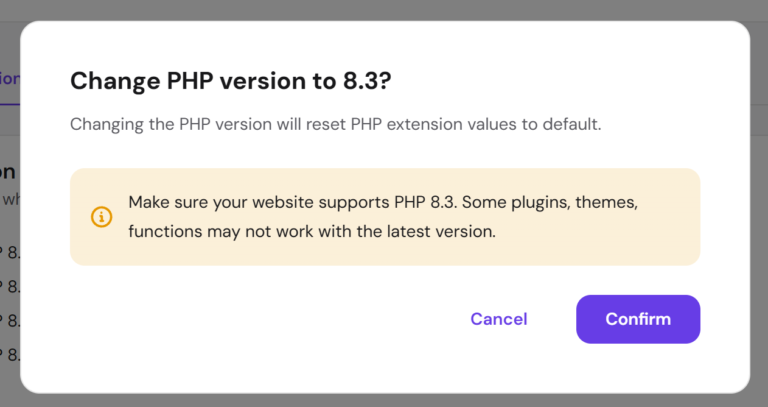
- After switching, check the site and look for errors; switch back if a plugin breaks.
Running out of memory after an upgrade? See how to fix the allowed memory size exhausted error. For the full process, see how to upgrade PHP version in WordPress safely.
FAQ
Which PHP version is best for WordPress?
The newest PHP release your plugins support that is still receiving security updates.
Is MariaDB OK instead of MySQL?
Yes. MariaDB is a drop-in replacement and fully supported.
Will upgrading PHP break my site?
Usually not if everything is updated, but old plugins can fail. Back up first.
Get our free weekly email: new tech guides and tools, no spam.
New and updated tech guides, a free tool worth bookmarking and one useful pick, once a week. No spam, unsubscribe anytime.
One email a week. Unsubscribe anytime. See our privacy policy.


This is a great tip! And of course that’s a good plugin to check our PHP and MySQL versions. Very handy indeed. :)
That was so simple.My host already got the updated version.
I suggest , you don’t need any plugin for this too. You just have to check the configuration of your server by cpanel. its more than enough
Thank god, i have latest version of both Mysql and PHP.