
AI Portrait Prompt Generator: Free Headshot Prompts for ChatGPT
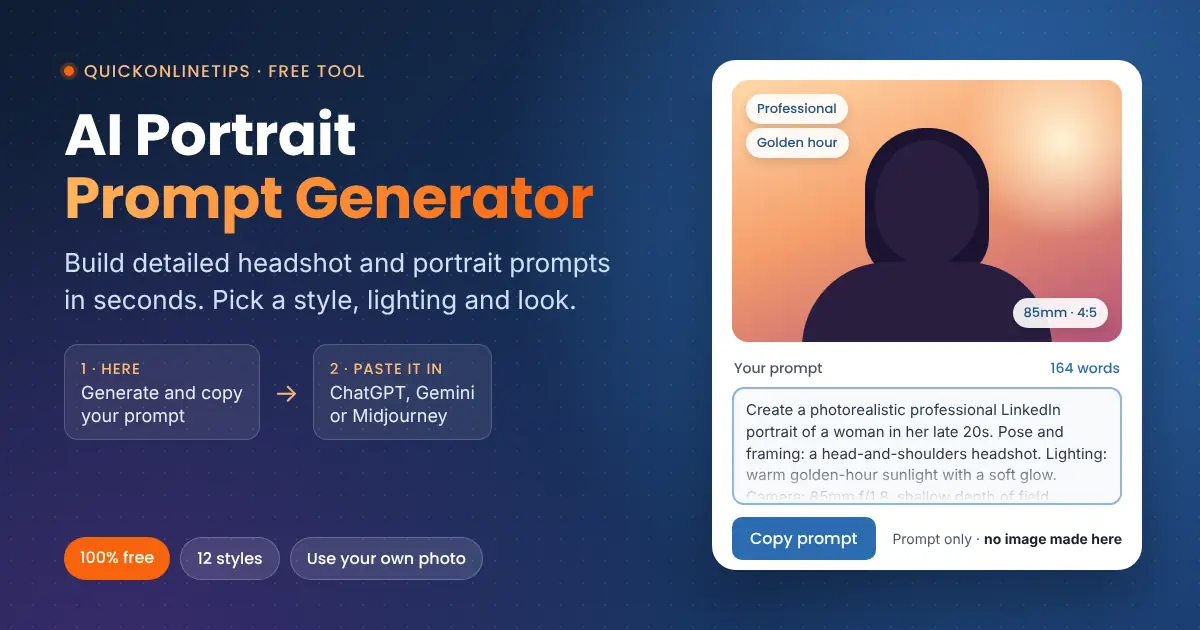
This free AI portrait prompt generator writes detailed, ready-to-paste prompts for beautiful, realistic headshots and portraits. Pick a style below, copy your prompt and paste it into ChatGPT, Gemini, Copilot or Midjourney, or turn your own photo into a polished headshot.
Note: this tool writes the prompt only. You paste it into ChatGPT, Gemini, Copilot or Midjourney, and that site makes the picture.
Make your portrait prompt in 5 easy steps
Choose a style, tweak it if you like, copy the prompt, then paste it into an AI image site.
QuickOnlineTips only writes the prompt. The picture is created by the site you paste it into, which may have free limits or paid plans. Nothing you choose here is sent to our server.
Try another free tool
Quick answer: Pick a portrait style, choose the person, hair, outfit, background and lighting in the tabs, then press Copy prompt and paste it into ChatGPT, Gemini, Copilot or Midjourney. Choose Me, from my own photo to turn your selfie into a professional headshot while keeping your face the same.
How to use the AI portrait prompt generator
- Choose a style, such as Professional / LinkedIn, Cinematic or Festive Indian traditional, and pick where you will paste the prompt. Each style fills in a matching outfit, background, lighting and color tone.
- Choose who is in the picture: a new AI person, or you, from your own photo.
- Customize the look if you want to. Click a tab on the left (Person, Hair and face, Outfit and scene, or Light and camera) and change its settings on the right. Leave any option on Auto to let the style decide, or press Surprise me at the top of the tool for a random idea.
- Copy your prompt with the orange button.
- Paste it into an AI image site. Click Open ChatGPT, Gemini, Copilot or Midjourney, paste the prompt and send it. If the result is close but not perfect, ask for one change at a time.
Turn your own photo into a professional headshot
Choose Me, from my own photo in step 2 and the generator writes a prompt that tells the AI to keep your face, features, skin tone and age exactly as they are, and only change the outfit, background, lighting and style. Attach a clear, front-facing photo with good light in the same message as the prompt in ChatGPT or Gemini. Upload only photos of yourself, or of people who have agreed, and check the privacy settings of the tool you use.
Where to paste your prompt
| Tool | Cost | Best prompt format |
|---|---|---|
| ChatGPT | Free plan with a daily image limit; more on paid plans | Detailed prompt. Can also edit your uploaded photo. |
| Google Gemini | Free with limits; more on paid plans | Detailed prompt. Can also edit your uploaded photo. |
| Microsoft Copilot | Free with limits | Detailed prompt |
| Midjourney | Paid plans, sometimes with a short free trial | Midjourney format with --ar and --no settings |
| Stable Diffusion or Flux apps | Free or paid, depending on the app | Keyword list plus a negative prompt |
Free limits and prices change often, so check the tool’s own pricing page before you rely on it.
Portrait styles explained
| Style | Best for |
|---|---|
| Professional / LinkedIn | Profile photos, CVs, company websites |
| Corporate executive | Leadership pages, speaker bios, press kits |
| Beauty and glamour | Polished, magazine-style close-ups |
| Cinematic and dramatic | Moody, movie-still portraits |
| Fashion editorial | Bold, stylish looks with strong color |
| Casual lifestyle | Friendly, natural photos for blogs and social profiles |
| Travel and outdoor | Sunny, golden-hour holiday portraits |
| Black and white classic | Timeless fine-art portraits |
| Vintage 1970s film | Warm, nostalgic analog film looks |
| Festive Indian traditional | Diwali, wedding and festival portraits in sarees and kurtas |
| Fantasy and artistic | Dreamy, painterly avatars |
| Social media influencer | Bright, clean photos for Instagram and YouTube |
Tips for better AI portraits
- Generate a few times. The same prompt gives a different face and pose each time, so try two or three before you change anything.
- Change one thing at a time. Follow up in the same chat with small requests such as “make the smile softer” or “use a darker background”.
- Use the 85mm lens for headshots. It is the classic portrait lens and gives a flattering face shape with a soft background.
- Keep skin real. The prompt already asks for natural skin texture, which avoids the plastic look many AI portraits have.
- Match the shape to the use. Use 1:1 for profile pictures, 4:5 for Instagram, 9:16 for stories and 16:9 for banners.
FAQ
Is this AI portrait prompt generator free?
Yes. It is free with no sign-up. It writes the prompt only; the image is created by the AI tool you paste it into.
Do you see or store my photo?
No. You never upload anything here. The generator runs in your browser, and your photo goes only to the AI tool you choose.
Why does my portrait look different every time?
Image AIs add randomness to every picture. Regenerate a few times, or ask for specific changes in a follow-up message.
Can I use the portraits commercially?
It depends on the terms of the AI tool you use, so check them before using images in ads or products. Do not create images that look like real people without their permission.