
Free Wikipedia Wallpapers: Download Featured Pictures for Your Desktop (2026)
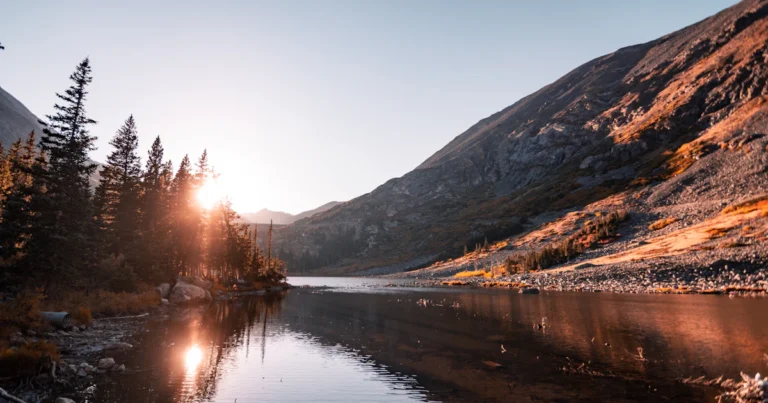
Looking for free Wikipedia wallpapers for your desktop? Back in 2006 Wikipedia kept a special list of “featured desktop backgrounds”: featured pictures that were large enough and the right 4:3 or 5:4 shape for the monitors of the day. Screens are now widescreen and much sharper, but Wikipedia and Wikimedia Commons are still one of the best sources of stunning, freely licensed photos you can use as wallpaper. Here’s how to find and use them in 2026.

Quick answer: Browse Wikipedia’s Featured pictures or the Wikimedia Commons featured pictures, open an image you like, click through to its file page and download the original (largest) resolution. Then set it as your background in Settings > Personalization > Background on Windows 11 or System Settings > Wallpaper on a Mac. Most images are free to use under Creative Commons or public domain terms; check the license on the file page.
Table of Contents
What are Wikipedia featured pictures?
Featured pictures are images the Wikipedia community considers among the most beautiful, impressive or informative on the site, the visual equivalent of featured articles. Wikipedia’s Featured pictures page lists thousands of them, organized by topic such as animals, landscapes, space, architecture, art and history. Wikimedia Commons, the media library behind Wikipedia, runs its own Commons featured pictures collection too.
Because candidates are reviewed for technical quality, many are high-resolution photos that look great on large monitors.
How to download a Wikipedia wallpaper
- Open the featured pictures page and pick a topic.
- Click an image to open it, then open its file page (the “More details” link on Wikipedia, or the file’s page on Commons).
- Choose the original file or the largest size that matches or exceeds your screen resolution.
- Save the image to your Pictures folder.
Choosing the right size and shape
The 2006 list only accepted 4:3 or 5:4 images because most monitors were that shape. Today most laptops and monitors are 16:9 or 16:10, and phones are tall and narrow. Pick images at least as large as your display (for example, 1920×1080 for a Full HD screen, larger for 1440p, 4K or Retina displays). Landscape photos with a clear subject and some empty space work best behind desktop icons.
How to set it as your desktop background
- Windows 11: right-click the image and choose Set as desktop background, or go to Settings > Personalization > Background and browse to it. Choose Fill or Fit if the shape doesn’t match your screen.
- Mac: open System Settings > Wallpaper and add the photo or folder.
- Phones: open the image in your gallery app and choose to set it as wallpaper.
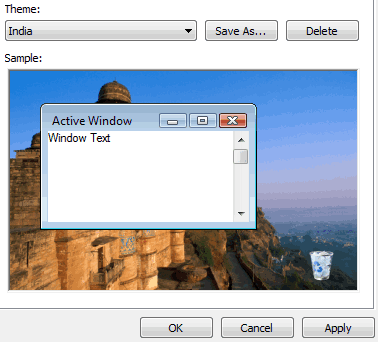
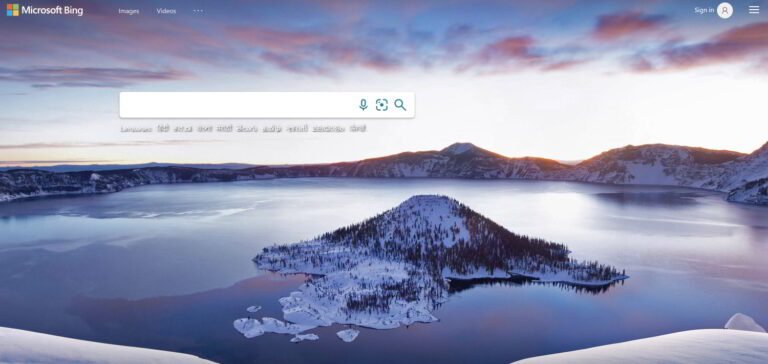
Want a new picture every day? See how to change your desktop background daily automatically, or download Bing wallpapers daily. To change the whole look of your PC, here’s how to install Windows themes and wallpapers.
Licensing: can you use them for free?
Most images on Wikipedia and Commons are public domain or released under free licenses such as Creative Commons. Using one as your own wallpaper is generally fine. If you publish or share an image (on a website, in a presentation or on social media), follow its license: usually that means crediting the author and naming the license, as shown on the file page. Our guide to Creative Commons licenses explains the common terms.
Contribute your own pictures
The original post encouraged readers to create wallpapers and release them under a free license. That still works: anyone can upload their own photos to Wikimedia Commons under a free license, and the best may be nominated as featured pictures.
FAQ
Are Wikipedia images free to use as wallpaper?
Most are freely licensed or public domain, so personal use as a wallpaper is fine. Check each file’s license before republishing it.
Where can I find high-resolution Wikipedia pictures?
Wikipedia’s Featured pictures page and the Commons featured pictures collection list high-quality images; download the original file from each image’s file page.
What resolution should a desktop wallpaper be?
At least your screen’s resolution, such as 1920×1080 for Full HD or 3840×2160 for 4K, so it stays sharp.
Does Wikipedia still have a featured desktop backgrounds list?
The old 4:3 desktop backgrounds list dates from 2006. Today it’s easier to browse the featured pictures collections directly and pick images that suit your widescreen display.
Stuck on a gift? Try our free Gift Idea GeneratorIdeas for anyone by age, job, interests and budget, with Amazon.com and Amazon.in linksFind gifts →Get our free weekly email: new tech guides and tools, no spam.
New and updated tech guides, a free tool worth bookmarking and one useful pick, once a week. No spam, unsubscribe anytime.
One email a week. Unsubscribe anytime. See our privacy policy.


Thats good way to create wallpaper.