
Do a Barrel Roll: How to Make Google Spin (Still Works in 2026)
Want to make Google spin? Type do a barrel roll into Google search and the entire results page rotates a full 360 degrees in front of your eyes. It is one of Google’s most famous Easter eggs, a fun hidden trick that has been delighting users since 2011, and it still works in 2026. Here is how to do a barrel roll on Google, how to do it twice, and more Google tricks to try.
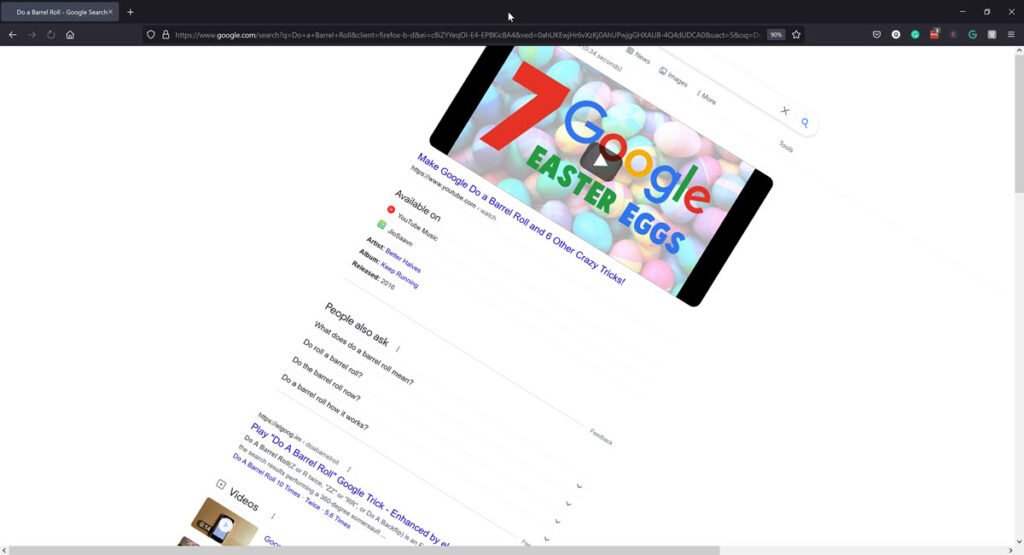
Quick answer: Go to google.com, type do a barrel roll and press Enter, and the search results page spins once. Search do a barrel roll twice or z or r twice for two spins. Google itself stops there: searches like “do a barrel roll 20 times” or “x200” still spin only once on Google. For 20, 100 or “a million” spins, use the elgooG fan mirror (not run by Google).
Table of Contents
How to do a barrel roll on Google
- Open google.com in Chrome, Edge, Firefox or Safari.
- Type
do a barrel rollin the search box. - Press Enter and watch the page spin.
If nothing happens, make sure you are on Google search (not the address bar of another search engine) and that JavaScript is enabled. Try reloading the page or using another browser.
Here is what it looks like:
Variations to try on Google
- do a barrel roll twice: the page spins two times.
- z or r twice: also two spins. It is the button combination from Star Fox 64 (see below).
- do a barrel roll on your phone: works in the Google app and in mobile browsers on Android and iPhone, on Chromebooks too.
Do a barrel roll 20 times, 100 times or x200
Searches like do a barrel roll 20 times, do a barrel roll 10 times and do a barrel roll x200 are hugely popular, but Google’s own Easter egg does not count that high. Type any of them into Google and the page still spins just once (or twice for “twice”).
If you want more spins, the fan site elgooG Do a Barrel Roll recreates the trick with extra options. After the first roll, you can choose:
- Twice
- 5.6 times (yes, it stops at an angle)
- 20 times
- 100 times
- A million times
From 20 spins upwards the page shatters into pieces at the end. There is no x200 or custom count. elgooG is an independent fan project, not part of Google, so you are not running a real Google search there.
Where does “do a barrel roll” come from?
The phrase is a famous line from the 1997 Nintendo game Star Fox 64, where the character Peppy Hare tells the player to “do a barrel roll” to dodge enemy fire by pressing Z or R twice. It became an internet meme, and Google turned it into an Easter egg in 2011 using CSS animation. For more tricks like this, see our list of Google easter eggs that still work in 2026.
More Google Easter eggs
- askew or tilt: the results page leans to one side.
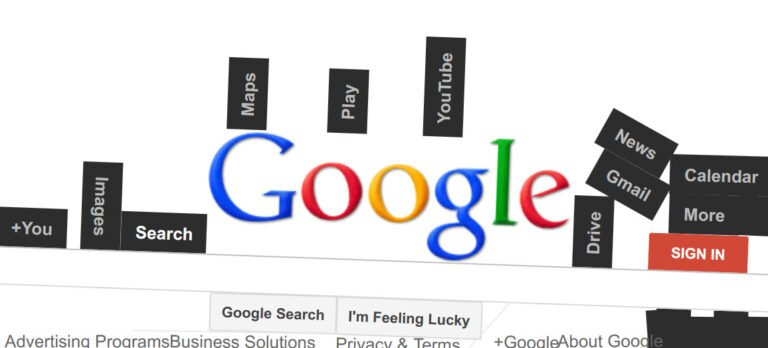
- Google Gravity: the homepage falls apart. Here is how to play Google Gravity.
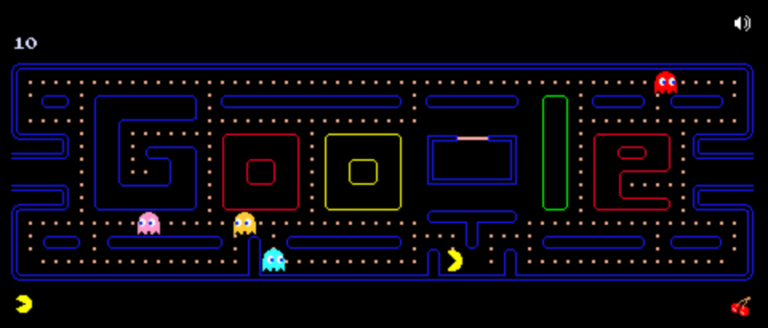
- Pac-Man: search “Google Pac-Man” to play the classic doodle. See our Google Pac-Man guide.
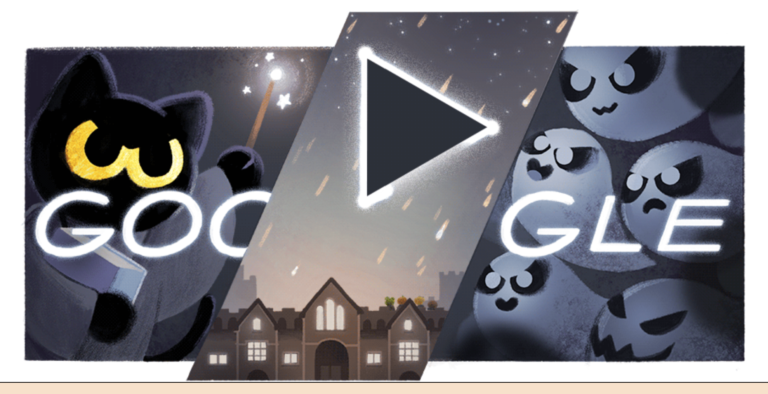
- Magic Cat Academy: Google’s Halloween doodle game starring Momo the cat.
- let it snow: a winter favourite; see the Google snow Easter egg.
- flip a coin, roll a die and spinner: handy tools built into search.
- minesweeper, snake game and tic tac toe: games playable right in Google. Or play Minesweeper online.
FAQ
Does do a barrel roll still work?
Yes. It still works on Google search in 2026 on desktop and most phones.
Why didn’t my screen spin?
Check that you searched on Google, reload the page, or try a different browser.
Can Google do a barrel roll 20 times?
Not on Google itself. Google spins the page once, or twice if you search “do a barrel roll twice”. The 20, 100 and million-spin versions are on the elgooG fan site.
Does do a barrel roll work on iPhone and Android?
Yes. Search it in the Google app or in Safari or Chrome with Google as the search engine.
Is the barrel roll trick safe?
Yes. It is just a visual animation; nothing is installed or changed.
What is your favourite Google Easter egg? Share it in the comments.
Get our free weekly email: new tech guides and tools, no spam.
New and updated tech guides, a free tool worth bookmarking and one useful pick, once a week. No spam, unsubscribe anytime.
One email a week. Unsubscribe anytime. See our privacy policy.



Definitely works! What an easter egg and that too by google!