How to Unzip Files on Mac (and Open RAR or 7z Files)
Wondering how to unzip files on Mac? Good news: you don’t need WinZip or any paid app. macOS can open…

Step-by-step tech tutorials with clear instructions and screenshots to help you set up, fix and get more from your apps, devices and websites.
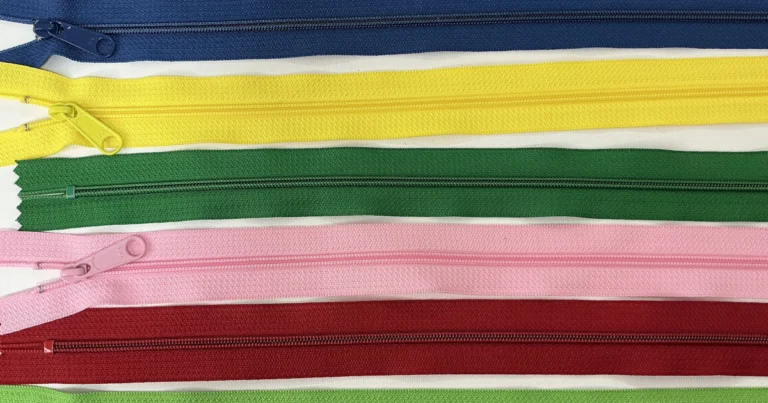
Wondering how to unzip files on Mac? Good news: you don’t need WinZip or any paid app. macOS can open…
How to set up a new iPhone with Quick Start, an iCloud or computer backup, or Move to iOS from Android, plus eSIM, Stolen Device Protection, Find My and what to do with your old phone.

How to set up free parental controls on iPhone, iPad, Android, Windows and Mac with Screen Time, Google Family Link and Microsoft Family Safety, plus Wi-Fi and app filters.

How to turn off Copilot in Windows 11, Microsoft Edge, Word, Excel, PowerPoint and Outlook, with steps from Microsoft’s own help pages and what can’t be removed.

How to recover deleted photos on iPhone: the Recently Deleted album, Hidden album, iCloud.com, iCloud and computer backups, Google Photos and chat apps, and what to do after 30 days.

How to back up iPhone to iCloud, a Mac or a Windows PC with Apple’s own steps, what each backup leaves out, encrypted backups, storage-full fixes and restoring.

Here’s how to right click on Chromebook touchpads: tap or press the touchpad with two fingers at the same time….

How to transfer photos from iPhone to PC on Windows 11: the Photos app over USB, File Explorer, iCloud for Windows, and fixes when your iPhone won’t show up.

How to split screen on Windows 11: snap two windows with Windows + arrow keys, use snap layouts for 3 or 4 windows, restore snap groups and turn Snap on or off.

Here is how to update Chrome on any device: More > Help > About Google Chrome on a computer, the Play Store on Android and the App Store on iPhone, plus fixes when Chrome won’t update.

How to use the Gemini AI image generator for free: create images from a prompt, edit them with Chat, download full size, and what the free plan includes.

Here is how to hide apps on iPhone: remove them from the Home Screen, hide a whole page, or lock and hide them in the Hidden folder with Face ID on iOS 18 and later.
Search 2,400+ practical tech guides.