
How to Add Canonical URLs in WordPress (Rank Math, Yoast, Code)
Canonical URLs tell search engines which version of a page is the main one, so duplicate versions created by tracking parameters, sorting options, print pages, HTTP/HTTPS or www/non-www don’t compete with each other. A canonical URL is a single line in your page’s <head>, and WordPress plus any good SEO plugin can add it for you. Here’s how to add canonical URLs in WordPress in 2026, how to set a custom canonical, and how to fix canonical errors in Google Search Console.
Quick answer: WordPress adds canonical URLs to posts and pages automatically. Install an SEO plugin like Rank Math, Yoast SEO or All in One SEO to add them to archives and the homepage too, and to set a custom canonical URL for any post from the plugin’s Advanced settings.
Table of Contents
What is a canonical URL?
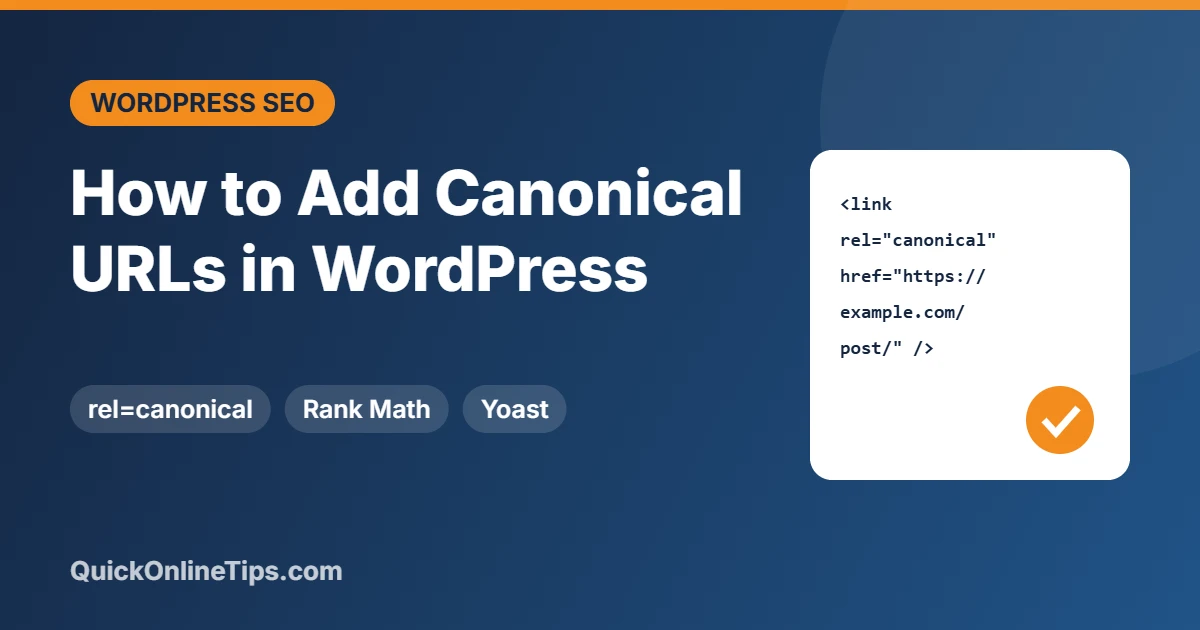
A canonical URL is the preferred address of a page, declared with a tag like this:
<link rel="canonical" href="https://example.com/my-post/" />If the same content loads at example.com/my-post/?utm_source=newsletter or example.com/my-post/amp/, the canonical tells Google to index and rank the main URL and combine ranking signals there. Google first introduced the tag in 2009 (external site), and it’s now supported by all major search engines. Note that Google treats it as a strong hint, not a command: see Google’s guide to consolidating duplicate URLs (external site).
How to add canonical URLs in WordPress
1. WordPress core (automatic)
Since WordPress 2.9, core adds a self-referencing canonical tag to single posts and pages. It doesn’t cover the homepage, categories, tags or other archives.
2. SEO plugins (recommended)

SEO plugins replace the core tag and add canonicals across the whole site, including archives and paginated pages:
- Rank Math (external site) (which we use): edit a post, open Rank Math → Advanced and enter a Canonical URL to override the default.
- Yoast SEO (external site): open the Yoast panel → Advanced → Canonical URL.
- All in One SEO (external site): AIOSEO Settings → Advanced → Canonical URL.
Use only one SEO plugin, or you may get two conflicting canonical tags.
3. Manual code (no plugin)
If you don’t use an SEO plugin, WordPress already handles singular pages. To change the canonical for a specific case, use the get_canonical_url filter in your child theme’s functions.php rather than hard-coding a tag in header.php, which can create duplicates:
add_filter( 'get_canonical_url', function( $url, $post ) {
    if ( $post->ID === 123 ) {
        return 'https://example.com/original-article/';
    }
    return $url;
}, 10, 2 );
Canonical URL best practices
- Use absolute HTTPS URLs that match your preferred domain (with or without www).
- Self-reference every indexable page, including page 2, 3 and so on of archives. Don’t point paginated pages to page 1.
- Keep signals consistent: internal links, your XML sitemap and redirects should all use the canonical URL.
- Don’t canonicalise to a noindex or redirected page. Mixed signals make Google ignore your choice.
- Syndicated content: ask partners to add a canonical pointing to your original article.
We host WordPress in a subdirectory (/archives/), and early SEO plugins once generated wrong canonical URLs for our homepage. Modern plugins handle subdirectory installs correctly, but it’s worth checking yours.
How to check canonical URLs
- View the page source (Ctrl + U) and search for
rel="canonical". There should be exactly one. - In Google Search Console (external site), use URL Inspection to compare the User-declared canonical with the Google-selected canonical.
- In Indexing → Pages, check reasons like “Duplicate, Google chose different canonical than user” and “Alternate page with proper canonical tag” (the latter is normal).
Frequently asked questions
Does WordPress add canonical URLs automatically?
Yes, for single posts and pages. For archives and the homepage, use an SEO plugin.
Can canonical tags fix duplicate content?
Yes. They tell Google which version to index. Google doesn’t penalise ordinary duplicate content, but canonicals stop it splitting signals between URLs.
Should I use a canonical or a 301 redirect?
Use a 301 redirect when the old URL shouldn’t be visited at all. Use a canonical when both versions need to work, such as URLs with tracking parameters.
Stuck on a gift? Try our free Gift Idea GeneratorIdeas for anyone by age, job, interests and budget, with Amazon.com and Amazon.in linksFind gifts →Get our free weekly email: new tech guides and tools, no spam.
New and updated tech guides, a free tool worth bookmarking and one useful pick, once a week. No spam, unsubscribe anytime.
One email a week. Unsubscribe anytime. See our privacy policy.


How to remove canonical tag from theme please help me.
Why would you want to remove canonical tags from themes?
Fix multiple redirects and canonical redirects. And increase speed of wordpress fine url recognition for SEO by .htaccess file.
I have been facing duplicate content issues from since a long time now but now I guess I will be able to solve my issues with the help of this canonical URLs. Nice post!
Allinoneseo and SEOYoast Plugins are great and very helpful. Of the two, I like SEO-Yoast
Want to know more? Check out this video by Matt Cutts of Google who explains the new element in-depth. He mentions me halfway because I created several extensions for canonical URLs at his request.
I found simply the information I already searched all over the place and simply could not come across. What a perfect web site.Good Blog sir… your blog is very helpful.. I am happy to find this post very useful for me, as it contains lot of information
I did not know this. I’m gonna follow your advice and put canonical urls on my WP blogs. Thank you.
There are indeed many options available for adding canonical urls to WordPress blogs. The major point should be that the blogger remembers to apply this with automated plugins or by manually. The choice should depend on the ease with which any can be applied.
Having said that, I think this is a helpful post as it lists and explains four very helpful steps that could be applied to add canonical urls so that search engines would easily read a post and index it!
Hey thanks I have a duplicate content issue that’s been bugging me. Your solutions seem easy enough, will give them a try one by one til I get it right.