How to Clear Cache on Chromebook (Chrome, Apps and Powerwash)
Is a school site showing an old page, a login loop or a Chromebook that feels sluggish? Here is how…

Is a school site showing an old page, a login loop or a Chromebook that feels sluggish? Here is how…
Want to save a video call moment, show someone how an app works or capture a bug? Here is how…
Pages loading old content, a full storage warning or a website that keeps misbehaving? Here is how to clear cache…
“The disk is write protected.” If Windows shows that message when you try to copy, delete or format files, you…
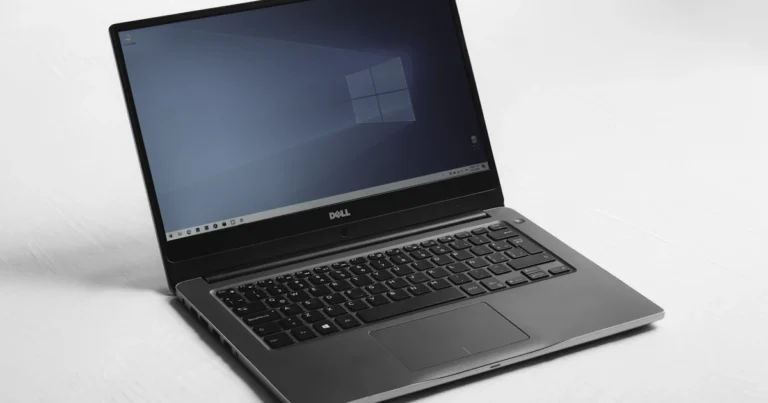
Thought Windows 10 stopped getting security updates in October 2026? Good news: Microsoft has extended Windows 10 extended security updates…

Have you joined the Zerodha affiliate program? Zerodha’s refer-and-earn scheme is back with a 10% share of brokerage plus reward…

Want a clean slate? Here is how to delete ChatGPT history in under a minute: to remove one conversation, click…

Need the ™ sign for a product name? Here is how to type trademark symbol on any device: press Alt…

Chrome has no simple “block this site” button, but you can still block websites on Chrome in a few minutes….
Here is how to screenshot on Chromebook in two seconds: press Ctrl + Show windows (the key with stacked rectangles,…

Need to capture a tutorial, a bug or a video call? You don’t have to install anything. This guide shows…

The em dash (—) is the long dash writers use to set off a thought, but there’s no key for…
Search 2,500+ practical tech guides.