
Get $3 to Set Bing as Default Search Engine
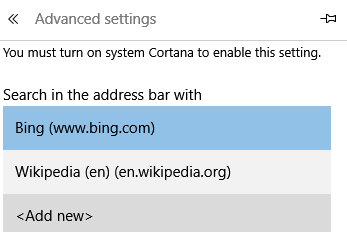
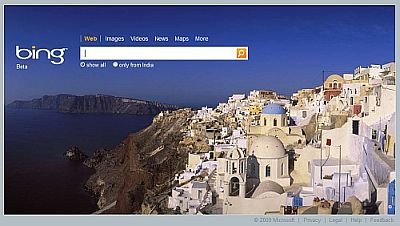
If you decide to set Microsoft Bing (external site) as the default search provider in your web browser, Bing will send you $3 donation code which you can use towards a public school classroom project of your choice on DonorsChoose.org.

There is a limit of 1 donation code per user. Bing promises to donate up to $100,000 in $3 donation codes during the promotion. Remember donation codes may only be used at DonorsChoose.org and will expire on August 31, 2010.
DonorsChoose (external site) is an online charity that makes it easy for anyone to help students in need. Public school teachers from America post classroom project requests on DonorsChoose.org for small things like pencils etc, then people donate small amounts to the project they like. Once a project reaches the funding goal, DonorsChoose deliver the materials to the school and you get photos of your project taking place, a thank-you letter from the teacher, and a cost report showing how each dollar was spent. If you give over $100, you’ll also receive hand-written thank-you letters from the students.
Will this $3 help Bing displace Google as default search engine in your browser?
Stuck on a gift? Try our free Gift Idea GeneratorIdeas for anyone by age, job, interests and budget, with Amazon.com and Amazon.in linksFind gifts →
$4.99Free when you subscribe
Get 100 tech terms explained in plain English
8-page PDF on AI, coding, slang and SEO + one tech email a week.
Don’t want emails? Buy the PDF for $4.99 (opens in a new tab) (external site)
Sent by email. Unsubscribe anytime. See our privacy policy.


how can Bing know if we set them as default search engine ?
Please Bing don’t use this gimmick to self promotion, it does’t work for me at least.