
How to Make Your Blog Look Professional: 9 Easy Upgrades (2026)
Want to make your blog look professional? Thousands of new blogs launch every day, and first impressions decide in seconds whether a visitor stays, trusts you and comes back. Great content matters most, but the small details around it (design, email address, About page, forms and even the login screen) are what make a blog feel like a serious publication rather than a weekend project. Here are nine easy upgrades for 2026.
Quick answer: To make your blog look professional, use a clean, fast, mobile-friendly theme with a consistent color palette, limit ads, get your own domain and a matching email address, write a real About page, add a contact form, create a simple logo and favicon, use good images, brand your login page, and keep everything up to date.
Table of Contents
Why a professional look matters

Give readers a reason to remember what they saw, read and felt on your blog. A professional look builds trust before anyone reads a word, makes your content easier to read, and helps your brand stick. It also matters to advertisers, sponsors and anyone deciding whether to link to you.
9 ways to make your blog look professional
1. Choose a clean theme and a consistent color palette
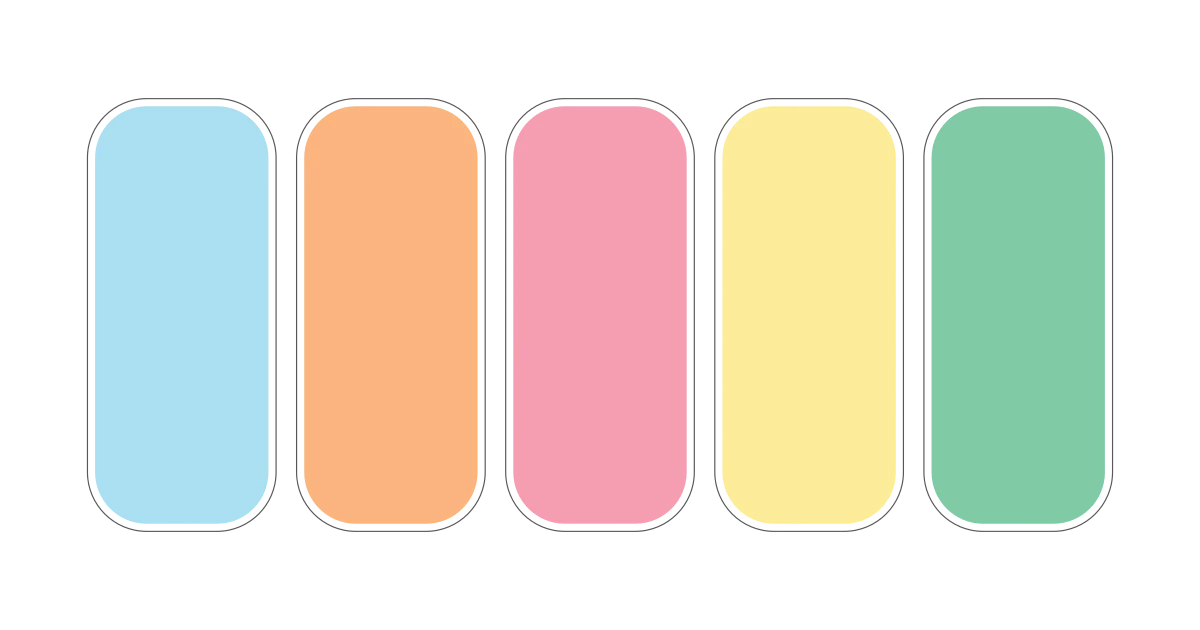
The look and feel of the site creates the first impression. Keep it simple and clean, with plenty of white space, readable fonts and colors that don’t hurt the eyes. Pick two or three brand colors and use them everywhere. Free tools like Adobe Color (originally called Adobe Kuler) help you build a harmonious palette.
Make sure the theme is fast and looks great on phones, since most visitors arrive on mobile.
2. Don’t drown readers in ads
Ads all over the page, pop-ups on arrival and auto-playing videos make any blog look cheap. Let readers enjoy your content without distractions. Making money should come from great content, not the other way around.
3. Use your own domain name
A custom domain (yourblog.com rather than yourblog.someplatform.com) is the single biggest signal that you are serious. It also means you own your address if you ever move platforms.
4. Get an email address at your domain
An address like hello@yourblog.com looks far more professional than a free webmail address. In 2008 the free option was Google Apps; today Google’s paid equivalent is Google Workspace, and alternatives include Zoho Mail. Many web hosts also include domain email with their plans.
5. Write a proper About page
A good About page explains what the blog covers, who writes it and why. Add your name, a photo and your relevant experience. Blogging is about relationships, and a genuine About page shows how serious you are about the site.
6. Add a contact form
Instead of posting a bare email address (which attracts spam), add a contact page with a simple form. Free plugins such as WPForms Lite make this easy. Protect it from spam with a CAPTCHA or honeypot field.
7. Create a simple logo and favicon
A clean text or icon logo and a matching favicon (the small icon in browser tabs and search results) make your blog instantly recognizable. You don’t need a designer to get started; free tools can produce a neat logo in minutes.
8. Use high-quality images
Blurry, stretched or watermarked images undermine everything else. Use your own screenshots and photos where possible, or free-licence stock images, and compress them so pages stay fast.
9. Brand your login page and welcome emails
If readers or team members log in to your site, a branded login screen with your logo and colors adds a polished touch. The original author recommended BM Custom Login, which is still maintained in 2026. Many form and membership plugins also let you customize the emails new users receive.
2008 tips that no longer apply
- FeedBurner MyBrand: the original post suggested serving your feed from your own domain with FeedBurner’s MyBrand feature. MyBrand was discontinued years ago and FeedBurner itself is now in maintenance mode; use your blog’s built-in RSS feed instead.
- Comment Relish and old new-user email plugins: these early plugins for automatic thank-you and welcome emails are long gone (the New User Email Setup plugin was closed on WordPress.org in 2022 for security reasons). Modern email marketing and form plugins handle welcome emails.
- Cforms: replaced by modern, maintained form plugins.
Related guides
Go further with how to create a brand for your blog, decide whether your blog needs its own domain name, see why a self-hosted blog beats a free blog, and learn how to stop contact form spam in WordPress.
FAQ
What makes a blog look unprofessional?
Cluttered layouts, too many ads and pop-ups, a free subdomain, no About or contact page, low-quality images, broken links and outdated posts.
Do I need to pay for a theme to look professional?
No. Many free, lightweight themes look clean and professional. Consistent colors, good typography and fast loading matter more than a premium theme.
Is a custom email address worth it for a blog?
Yes, if you contact brands, sponsors or readers. An address at your own domain looks more trustworthy and keeps your brand consistent.
How important is mobile design for a blog?
Very. Most blog visitors use phones, and Google uses the mobile version of your site for indexing, so a mobile-friendly theme is essential.
Originally written by guest author Syed Abbas, a technology blogger and former Search Quality Strategist at Google. Updated for 2026 by QuickOnlineTips.
Stuck on a gift? Try our free Gift Idea GeneratorIdeas for anyone by age, job, interests and budget, with Amazon.com and Amazon.in linksFind gifts →Get our free weekly email: new tech guides and tools, no spam.
New and updated tech guides, a free tool worth bookmarking and one useful pick, once a week. No spam, unsubscribe anytime.
One email a week. Unsubscribe anytime. See our privacy policy.

I stumbled on this and gave it the thumbs up! Your article is well written and gave me food for thought. (Especially no.5 about the Feedburner). Excellent work.
The google apps is very important. Infact many do not know that its a free service. It gives a lot of professional look. Moreover its one of the benefits of registering a domin.
Here is how to setup Feedburner Mybrand for your blog.
Using personalized E-Mail addresses matching the blog domain name certainly does give that professional feel to the readers.
I think the custom feedburner URL is not used by many bloggers. Whatever may be the reason, this technique is less popular in my opinion.
Excellent tips for giving a professional touch to the blog.
Perfect! I had been looking for the relish plugin not knowing where to find it :-)
I totally agree that all 7 of these things will make your blog come across as more professional. Very very handy list for users wanting to up the level of professionalism on their websites.
(This coming from a person who’s site happens to be lacking the feel of professionalism at the moment, but hopefully that will change soon)