
How to Mute Adsense Ads
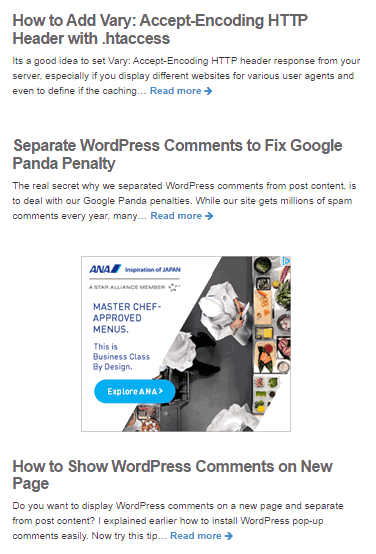
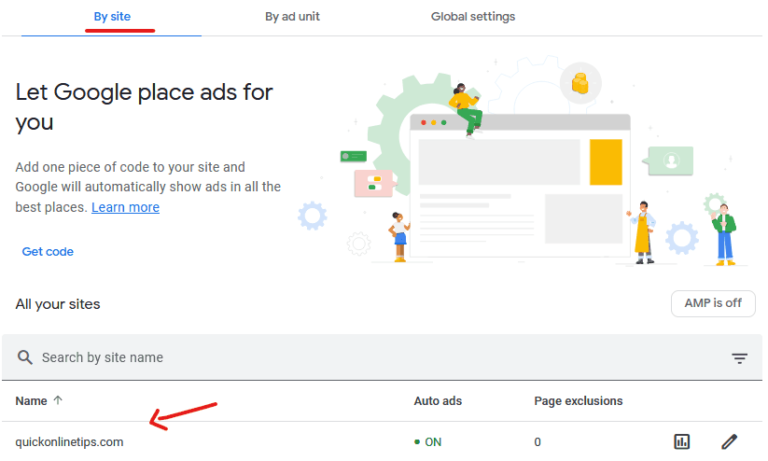
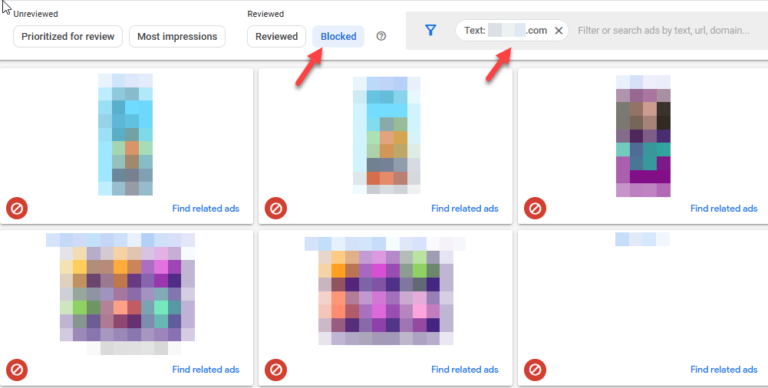
Did you know you can mute Adsense ads you do not like. I checked and many ads on our site – both text ads and image ads are showing a cross in the corner and when you hover over the cross, it displays options to mute the ad.
Mute Adsense Ads
See these new design Adsense text ads (which have the url at the top!), and have a cross at the bottom right. When you hover over it, an alert says ‘Mute This Ad’

Similarly if you see an image ad, there is a cross on the top right and hovering the mouse over it shows “Don’t show this ad again’.
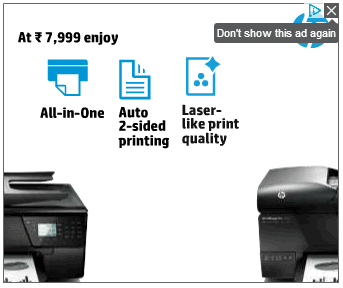
And when you click to mute the ad, the ad goes away and is replaced by text which says ‘Ad Muted’. Clicking Undo will bring back the same ad.

Google then also allows users to tweak their ad settings and gender, age, interest and opt out of interest-based Google ads altogether across the web if you like. Right now I see this on standard size image ads and the new design text ads. Custom size Adsense ads are not showing this feature.
Muting ads will not make ads disappear from these websites, but its just that Google will try to show a better ad based on your interests next time!


Yes, its working. I was very much upset with these ads. Sometimes, I mistakenly click on these ads go to somewehre else. Now I can get rid of it.
;-)
really a good article thanks for posting this.
This is really very useful information for me as i works on adsense.It is the best feature from Google Ad-sense.Thanks a lot.
your article is very helpful for me . thank your for sharing your ideas…. thanks again.. buddy
Really nice content, i have learn about mute adsense ads. I’m using adsense right now but i have no idea mute adsense. By reading your blog I’m learn mute adsense ads.
Well another great feature put forward by adsense, sometimes ads are totally irrelevant and irritating. This feature helps get genuine and relevant ads. Thank you for info.
This tips is really helpful to all users who work with the Google Adsense. Above all, thanks for sharing the tips.
I used to have “mute this ad” (small ‘X’ button) option on advertisements. Today, I have studied your documents about advertisement, user proferences, etc and at the end, ‘X’ button disappeared. I just have ‘AdChoice’ button, but not ‘X’ button.
I am not able to find any help on internet, so I am turning to you for an advice.
Thank you, best regards
The option is available on select ads only.
you write about a very good article..thanks man…
Writing about how to mute Google AdSense seems like a very interesting theme. I think a lot of people use the service of Google AdSense neary every day. But there is the sound: Not everyone likes it and wants to mute it. It is a very helpful and interesting instruction which is comprehensible for everyone.
Yeah. I knew about that feature. If you are signed into your google account, you can hide/mute all kinds of ads shown by adsense. I think it is a pretty cool feature, as people are now able to select which ad or which type of ads they want to see in future.
This is the best ever feature from Google Ad-sense and this is really most useful tip from them.
Thanks for sharing this wonderful post, sometimes adsense ads really annoying and I am glad that Google has come up with solution . Now it will be much more fun to browse the websites with this mute feature.
This is one of the best feature introduced by Google Adsense.Thanks for sharing this tips of Google adsense. I found it very interesting.
This is a great feature introduced by Google Adsense Team. It is not a good step for the bloggers who make money with it for readers it is a great please and I think other ad networks should do the same.
Now i can learn from your post that how to mute or disable ad from website. By muting ads Google understand which kind of ad you muted and which are not! its like a “give your feedback to us”! Thanks for sharing this tips of Google adsense.