
Download iTunes in 2026: Where to Get It and the Apple Apps That Replaced It
In 2009 we covered how to download iTunes 8.1 free for your iPod and iPhone. Fast forward to 2026, and iTunes has mostly been retired: Apple replaced it with separate apps for music, TV and device syncing on both Mac and Windows. Here’s where to download iTunes today if you still need it, and which newer Apple apps to use instead.
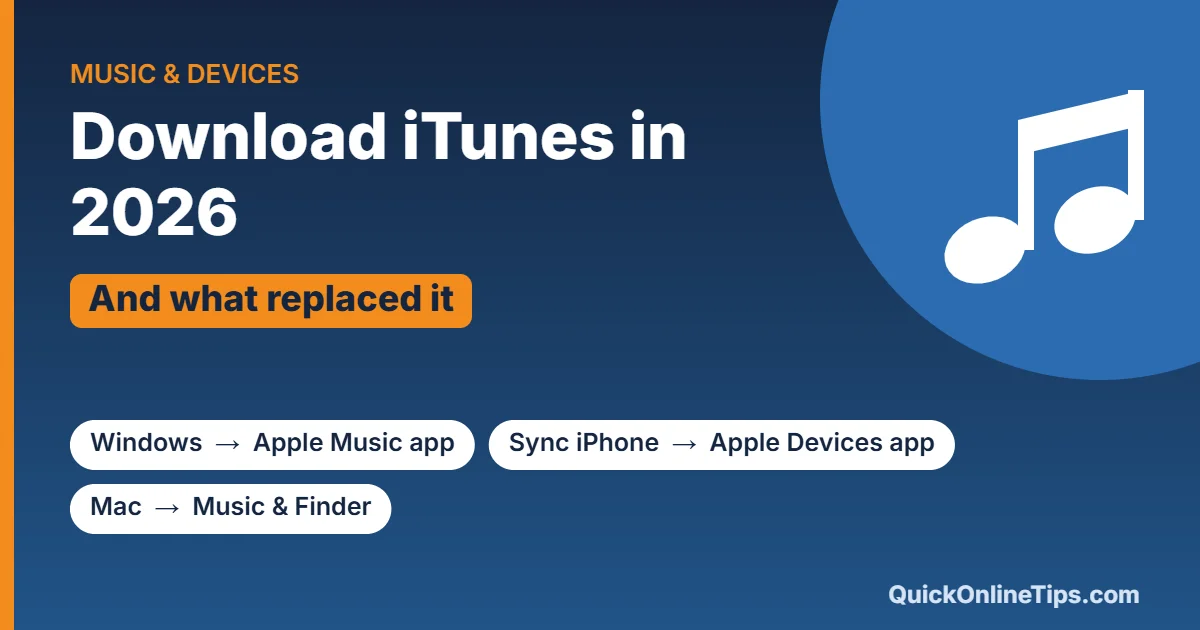
Quick answer: On Windows 10 and 11, get the free Apple Music, Apple TV and Apple Devices apps from the Microsoft Store. iTunes is still available there too, mainly for podcasts and audiobooks. On a Mac, there’s no iTunes anymore: use the Music, TV and Podcasts apps, and sync your iPhone in Finder.
Table of Contents
What happened to iTunes?
- 2019, Mac: with macOS Catalina, Apple split iTunes into the Music, TV and Podcasts apps, and moved iPhone and iPad syncing into Finder.
- 2024, Windows: Apple released Apple Music, Apple TV and Apple Devices apps for Windows, replacing most of what iTunes did on PC.
- Today: iTunes for Windows is still downloadable, but Apple points users to the new apps.
How to download iTunes on Windows
- Open the Microsoft Store on Windows 10 or 11, or go to Apple’s iTunes page, which links to the Store.
- Search for iTunes and click Get or Install. It’s free.
- Open iTunes and sign in with your Apple Account.
Always download it from Apple or the Microsoft Store. “iTunes download” pages on other websites may bundle adware.
The newer Apple apps for Windows
| App | What it does |
|---|---|
| Apple Music | Plays your music library and Apple Music subscription, and buys songs from the iTunes Store. |
| Apple TV | Watch Apple TV+ shows and movies you’ve bought or rented. |
| Apple Devices | Back up, restore, update and sync your iPhone, iPad or iPod. |
All three are free in the Microsoft Store. Once you install them, iTunes on the same PC can only be used for podcasts and audiobooks, so keep iTunes only if you need those.
iTunes on Mac
Modern macOS doesn’t include iTunes and you can’t install it. Use these built-in apps instead:
- Music: your music library, purchases and the iTunes Store.
- TV: movies and TV shows.
- Podcasts and Books: podcasts and audiobooks.
- Finder: connect your iPhone or iPad and click it in the sidebar to back up, sync or update.
How to back up an iPhone without iTunes
- On Windows: open the Apple Devices app, connect your iPhone with a cable, tap Trust on the phone, then click Back Up Now.
- On Mac: open Finder, select your iPhone in the sidebar, then click Back Up Now.
- Wirelessly: turn on iCloud Backup in your iPhone’s Settings → [your name] → iCloud.
Looking for music to stream? See our guide to free Hindi music streaming apps.
Frequently asked questions
Is iTunes still free?
Yes. iTunes and the new Apple Music, Apple TV and Apple Devices apps are free to download. You only pay for subscriptions or content you buy.
Can I still buy songs on iTunes?
Yes. The iTunes Store lives on inside the Music app on Mac, the Apple Music app on Windows, and the iTunes Store app on iPhone.
Does iTunes work on Windows 7?
Current iTunes and the new Apple apps need Windows 10 or later. Older Windows versions are no longer supported and aren’t safe to use online.



i want to download itunes for my apple ipod. but my phone using an old version.can you please help me ??thanks