
Windows 11 Upgrade Advisor: Check If Your PC Can Run Windows 11 (PC Health Check Guide)
Back in 2009, Microsoft’s free Windows 7 Upgrade Advisor told you whether your PC could run Windows 7. In 2026 the question is Windows 11, and the upgrade advisor is now an app called PC Health Check. With Windows 10 support over and its last free security updates ending on 12 October 2027, here’s how to check if your PC can run Windows 11, and what to do if it can’t.
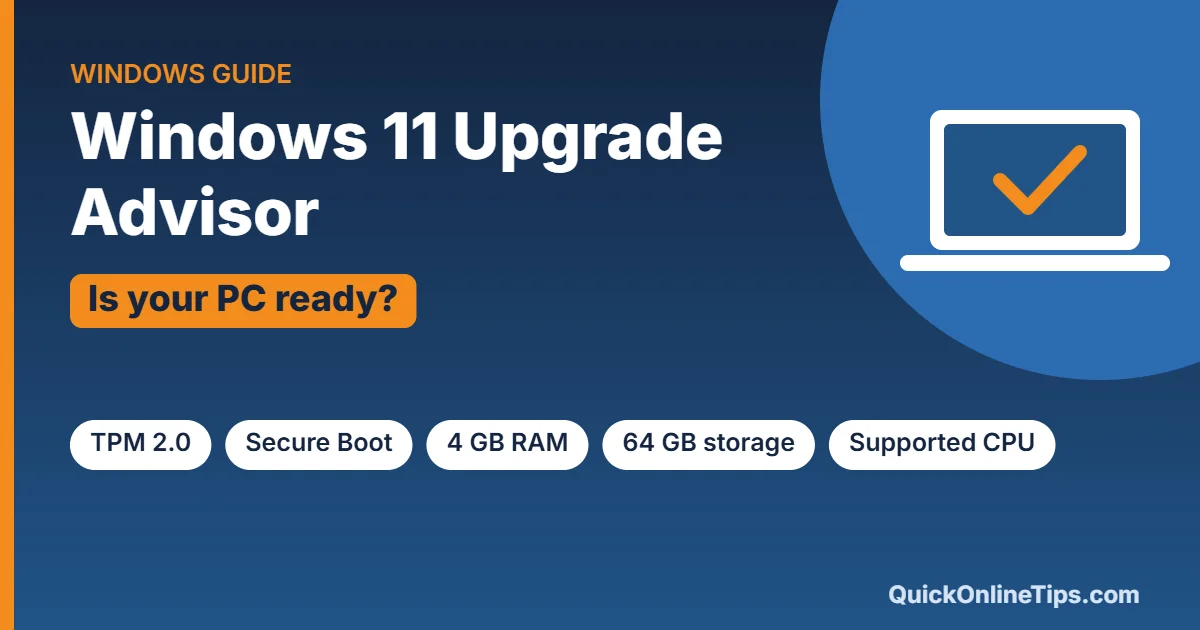
Quick answer: Download Microsoft’s free PC Health Check app and click Check now under “Introducing Windows 11”. It tells you whether your PC meets the requirements, and if not, which one fails (usually TPM 2.0, Secure Boot or an older processor).
Table of Contents
Why this matters now
- Windows 10 support ended on 14 October 2025. Microsoft no longer fixes bugs or adds features.
- Extended Security Updates (ESU) for home users now run until 12 October 2027 (see how to get Windows 10 extended security updates free). After that, Windows 10 PCs get no more security patches, which makes them risky to use online.
- The upgrade to Windows 11 is free for eligible Windows 10 PCs.
Windows 11 system requirements
These are Microsoft’s official Windows 11 specifications:
| Component | Minimum for Windows 11 |
|---|---|
| Processor | 1 GHz or faster, 2+ cores, 64-bit, on Microsoft’s supported list (roughly Intel 8th gen / AMD Ryzen 2000 series or newer) |
| RAM | 4 GB |
| Storage | 64 GB or more |
| Firmware | UEFI with Secure Boot |
| TPM | Trusted Platform Module (TPM) version 2.0 |
| Graphics | DirectX 12 compatible with WDDM 2.0 driver |
| Display | 720p, larger than 9 inches |
| Internet / account | Internet connection and Microsoft account for Windows 11 Home setup |
Compare that with Windows 7 in 2009, which needed just a 1 GHz processor, 1 GB RAM and 16 GB of disk space.
How to use PC Health Check (the Windows 11 upgrade advisor)
- Download PC Health Check from Microsoft’s website and install it. It’s often already installed on Windows 10 PCs.
- Open it and click Check now.
- If you see “This PC meets Windows 11 requirements”, go to Settings → Update & Security → Windows Update and look for the Windows 11 upgrade offer.
- If it says your PC doesn’t meet the requirements, click See all results to find out exactly which check failed.
Common failures and how to fix them
- TPM 2.0 not found: many PCs have TPM built into the processor but turned off. Look in your BIOS/UEFI settings for Intel PTT or AMD fTPM and enable it.
- Secure Boot not enabled: enable Secure Boot in the BIOS/UEFI. Your disk may need to use the GPT partition style rather than the old MBR.
- Processor not supported: this can’t be fixed with a setting. Microsoft doesn’t support unsupported CPUs, and workarounds that bypass the check may leave you without updates.
- Not enough storage: free up space, or upgrade to an SSD. That’s also the best speed boost for an older PC.
If your PC can’t run Windows 11
- Use ESU until 13 October 2026 to stay protected a little longer.
- Upgrade the hardware: a newer motherboard and processor may make an older desktop eligible. See how we upgraded an old desktop PC.
- Switch to a different operating system: ChromeOS Flex or a beginner-friendly Linux such as Linux Mint can give an older PC a secure second life.
- Buy a new PC: any new Windows PC sold today comes with Windows 11.
Frequently asked questions
Is the Windows 11 upgrade free?
Yes, for PCs running a genuine copy of Windows 10 that meet the requirements.
Can I still download the Windows 7 Upgrade Advisor?
No. Microsoft retired it along with Windows 7, which itself stopped getting security updates in January 2020.
What happens if I keep using Windows 10 after October 2026?
Your PC will keep working, but it won’t get security fixes, so new threats will go unpatched. It’s best not to use it for banking or sensitive work.
Get our free weekly email: new tech guides and tools, no spam.
New and updated tech guides, a free tool worth bookmarking and one useful pick, once a week. No spam, unsubscribe anytime.
One email a week. Unsubscribe anytime. See our privacy policy.






windows 7 has all the great features including windows xp mode
install in windows 7 Beta fast
whether my computer windows XP is capable to run for a 64-bit