Google Gravity: How to Play the I’m Feeling Lucky Trick (Still Works)
Google Gravity still works. Go to Google, type google gravity, and click the I’m Feeling Lucky button (not the search icon). Google sends you to Mr.doob’s Google Gravity demo, where the whole Google homepage falls to the bottom of the screen. You can also open the demo directly.
It is not a feature of the real Google homepage, and it is not hidden in Google’s settings. It is a JavaScript experiment that copies the look of the homepage, and Google’s redirect simply points you to it. The trick has been popular since 2011, and many people still search for it.
Table of Contents
How to activate Google Gravity
- Open google.com in your browser.
- Type google gravity in the search box.
- Do not press Enter and do not pick a suggestion from the drop-down. Click the I’m Feeling Lucky button instead.
- Google may show a short “Redirect Notice” page. Click the link on it to continue to the demo.
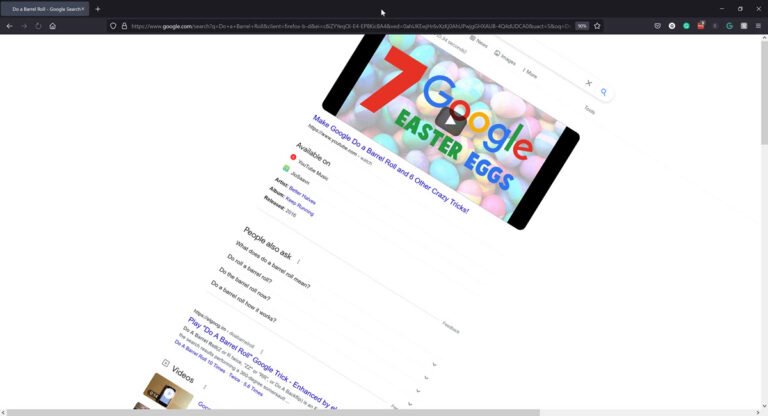
If you like the Do a Barrel Roll trick, you will like this one as well. You can find every working trick in our full list of Google easter eggs.

What is Google Gravity?
Google Gravity is a game-like animation. The Google logo, search bar, buttons and links all fall off the page and crash down to the bottom of the window, piling up as if they were real objects. Refresh the page and they fall in a different pattern each time. You can also drag the pieces around with your mouse.

I particularly like to make the browser window narrower, because then it is more fun to watch the Google homepage elements fall over each other!
We made a Google Gravity video of it in 2011. You can check out more fun videos on our YouTube page.
Play Google Gravity now
Mr.doob created the original as a Chrome Experiment, and you can play Google Gravity here without searching for it. If you use the I’m Feeling Lucky steps above, Google redirects you to this same page, because it is the top result for the search.
If the pieces do not fall, the tab may be in the background. Bring it to the front and reload the page, because many browsers pause animations in tabs you are not looking at.
How does Google Gravity work?
Google Gravity is built with JavaScript and a physics engine. The page loads the Google homepage elements as separate objects, applies gravity to them, and lets them collide with each other and the edges of the window. Because it is just code, many developers have made their own versions and hosted them on their own websites. None of these is the real Google homepage, so the real google.com does not have a Gravity mode.
Google Gravity variations
Mr.doob also made a zero-gravity version, Google Space, where the elements float about like in space. Elgoog has a Google Underwater page, where the Google homepage elements float underwater. It is a restoration of an old Google April Fools’ prank, hosted by Elgoog, which is a fan site and not affiliated with Google.
Google Gravity FAQ
Is Google Gravity real? Yes, but it is a demo made by Mr.doob, not a feature on the Google homepage. Google’s I’m Feeling Lucky button just takes you to it.
Why is the Google Gravity trick not working for me? Click I’m Feeling Lucky, not the search button, and do not choose a suggestion from the drop-down. If it still does not work, open the demo link directly, keep the tab in the foreground, and reload.
Is Google Gravity safe? The Mr.doob demo is a harmless page that only animates itself. Be careful with copies of it on other websites, since you cannot be sure who runs them.
Funny Google Doodles
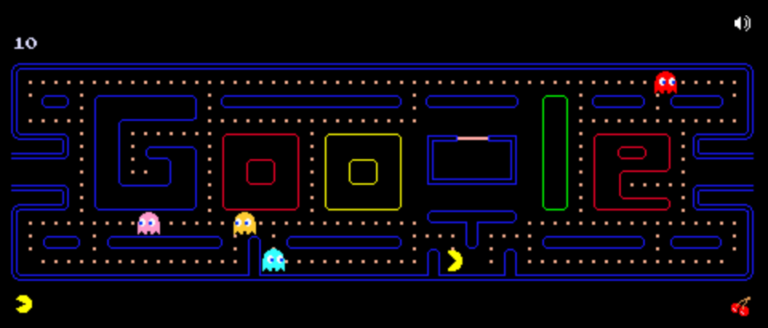
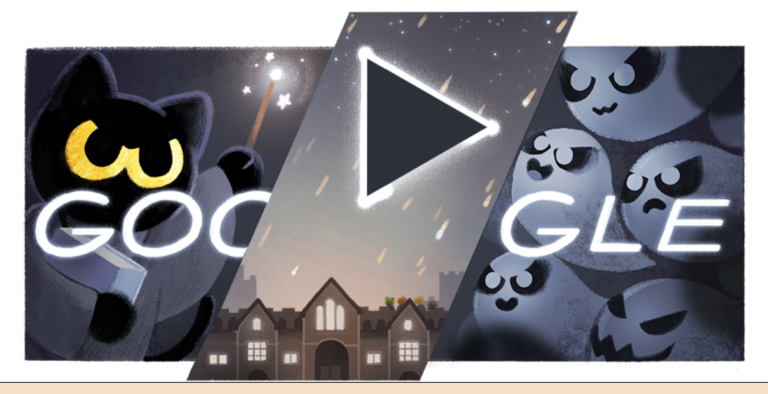
Google frequently posts interactive Google doodles on its homepage, like the very popular Google Pacman game and many others from time to time. The Google Easter eggs keep visitors interested in coming back to the Google homepage.
Stuck on a gift? Try our free Gift Idea GeneratorIdeas for anyone by age, job, interests and budget, with Amazon.com and Amazon.in linksFind gifts →Get our free weekly email: new tech guides and tools, no spam.
New and updated tech guides, a free tool worth bookmarking and one useful pick, once a week. No spam, unsubscribe anytime.
One email a week. Unsubscribe anytime. See our privacy policy.