Google AI Mode Is Taking Search Clicks: How to Get Cited and Keep Your Traffic
Google AI Mode turns search into a conversation: people ask a full question, get a written answer with a few cited sources, and often never scroll to the classic blue links. For website owners that changes the goal. Ranking is no longer the whole game; being one of the sources the AI cites is. And because Google is now putting ads inside AI Mode answers too, the free space for organic sources is getting tighter. Here is what is happening, why your usual reports can’t fully show it, and what you can do about it.

Quick answer: Google AI Mode answers many searches without a click, and it now carries ads in the US and more countries. To stay visible, make your pages easy for AI to cite (clear facts, direct answers, original experience), track whether AI answers mention you, since Search Console mixes AI Mode clicks into ordinary web search data, and build traffic that doesn’t depend on Google alone. SEO isn’t dead; the target has moved from ranking to being cited.
Table of Contents
What is Google AI Mode?
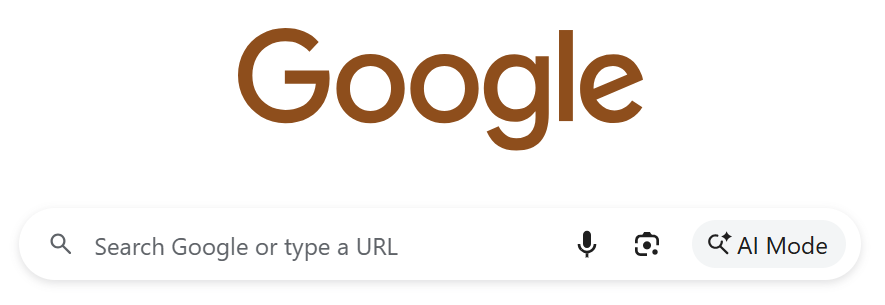
AI Mode is the conversational search tab in Google. Instead of ten links, it gives a written answer built from many web pages, with links to some of the sources, and it lets people ask follow-up questions in the same thread. AI Overviews are the shorter AI summaries that appear at the top of normal results; AI Mode goes further and replaces the results page with a chat-style answer. If you want to see the alternatives your readers are also using, we compared the best AI search engines to try instead of Google.
Why AI Mode is a real problem for website traffic
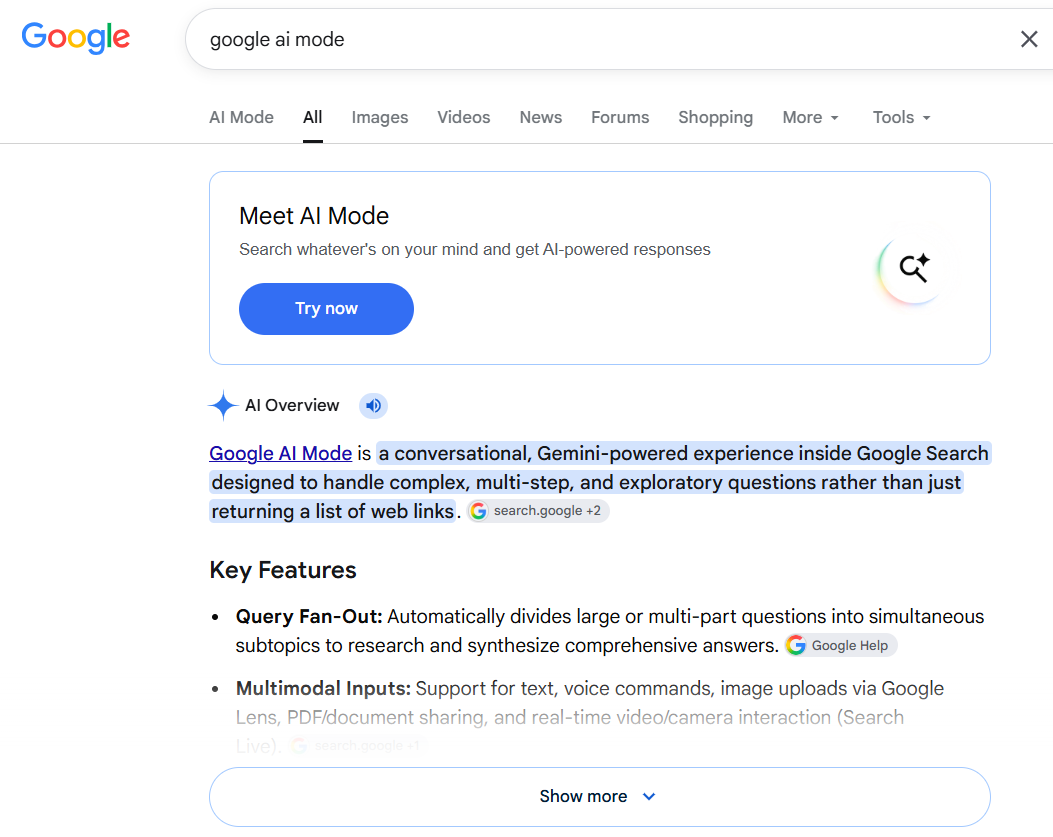
The answer comes before the click
When the AI answer already explains the basics, fewer people need to visit a website, especially for simple questions. Pages that only restate common knowledge lose the most. Pages with something the summary can’t give, like hands-on testing, tools, data or step-by-step detail, still earn the click.
Only a few sources get cited
A classic results page has room for ten organic links. An AI answer shows a handful of cited sources at best. If your page isn’t one of them, you may be invisible for that question even if you rank well in the regular results.
Ads are moving into AI answers
Google started testing ads in AI Mode in 2025 and has kept expanding them. In late October 2026 it announced ads in AI Mode in ten more countries (external site), including India, Australia and Canada, plus “multiturn” ads in the US that can appear in follow-up questions. Ads are labelled Sponsored, but they still take space next to the organic sources. The organic citation space is mostly free today; it is unlikely to get roomier.
Why your Search Console can’t fully show the impact
This is the measurement gap most site owners miss:
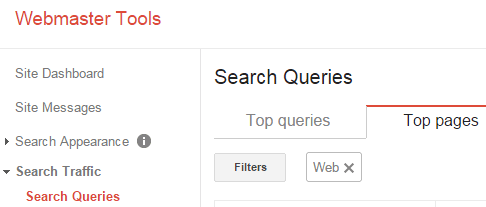
- Clicks are blended. Clicks and impressions from AI Mode and AI Overviews count inside the normal Web search totals in Search Console’s Performance report. There is no filter to split AI clicks from blue-link clicks.
- The AI report shows impressions only. Search Console added a generative AI report in 2026 that shows how often your pages appear in AI Overviews and AI Mode by page, country, device and date. It doesn’t show clicks, click-through rate or the questions people asked, and it doesn’t separate AI Mode from AI Overviews.
- Other AI assistants are invisible. Search Console says nothing about whether ChatGPT, Gemini, Perplexity or Claude mention your site.
So when traffic falls, Google’s own tools can’t tell you whether you lost rankings, lost AI citations or simply lost clicks to a richer answer. Our guide on finding pages losing traffic in Search Console is still the right first step, but you need another source of data for the AI side.
How Semrush measures what Google won’t show you
Since Search Console can’t split AI clicks or show which questions cite you, you need a separate way to measure AI visibility. That is what the Semrush AI Visibility Toolkit (external site) is built for. It tracks your presence, citations and sentiment inside AI answers from Google AI Mode, ChatGPT, Gemini, Perplexity and Claude. The parts we find most useful:
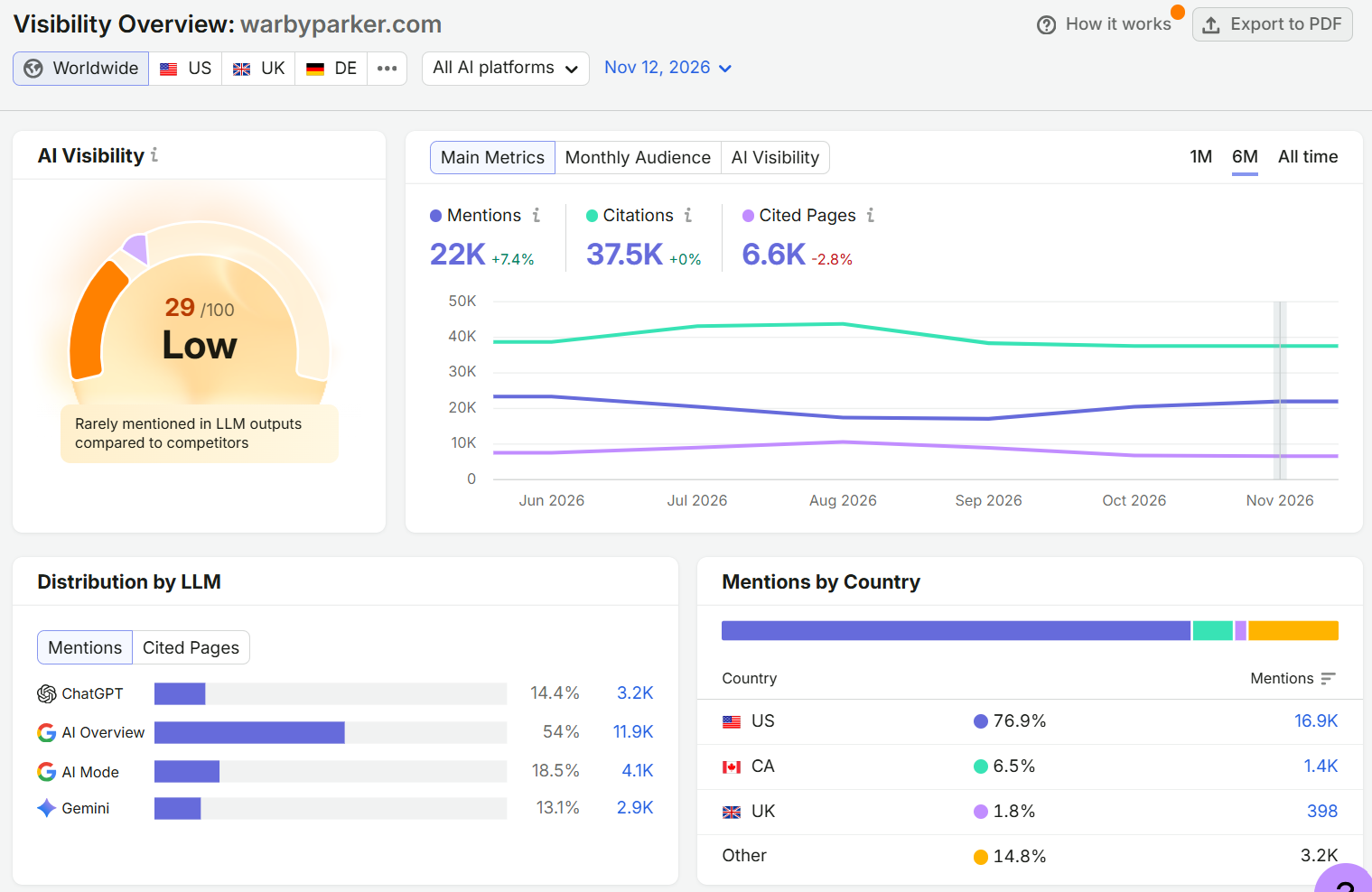
- Visibility: tracks how visible your site is in AI answers over time and against competitors, the view Search Console doesn’t give you.
- Citations: shows which sources AI answers cite for the questions that matter to you, and where competitors or Google’s own properties are taking those spots.
- Prompt Research: surfaces the actual questions people ask AI tools, so you can write for the questions that end up answered inside AI.
- Prompt Tracking: monitors your visibility and average position daily for the specific prompts you want to win.
- Perception: shows how AI tools describe your brand, so you know not just whether you are mentioned but what is being said.
For the wider picture, Semrush’s Traffic Analytics lets you compare how search and referral traffic is shifting across your market as AI answers absorb clicks. If you want to see where your site stands in AI answers right now, you can try the Semrush AI Visibility Toolkit here (external site).
Disclosure: This section is paid promotional content. The Semrush links above are affiliate links: if you sign up through them, QuickOnlineTips earns a commission at no extra cost to you, and we may also receive a reward from Semrush for this article. Semrush is a trademark of Semrush Inc.
How to get cited in Google AI Mode
There is no special switch for AI Mode. It draws on Google’s normal index, so the basics of good SEO still apply. These habits make your pages more likely to be picked as a source:
- Answer the question in the first lines. Put a direct, accurate answer near the top, then go deeper. AI summaries favour pages that state the key fact plainly.
- Use clear headings that match real questions. Structure each section around one question people actually ask, with a short answer under it.
- Add what an AI can’t make up. First-hand testing, original screenshots, your own numbers, real examples and expert experience give the AI a reason to cite you rather than a dozen look-alike pages.
- Keep facts verifiable and current. Prices, steps and specs that are wrong or outdated get dropped. Link to official sources for important claims.
- Be consistent about who you are. AI answers describe brands and sites using what the web says about them. Make sure your About page, author pages and profiles state clearly what you do, and that other sites describe you the same way.
- Don’t block what you want cited. Make sure your important pages are indexable and load quickly, and that a robots rule or noindex tag isn’t hiding them.
- Skip the shortcuts. Mass-produced pages and manipulative links hurt you in normal search and in AI answers alike. See what changed for AI-generated content and Google penalties.
Reduce your dependence on Google
Even with perfect pages, a growing share of questions will be answered without a visit. Protect your traffic and income by building channels you control:
- An email newsletter brings readers back directly, whatever happens in search.
- Useful tools and resources earn bookmarks and repeat visits that AI answers can’t replace.
- Communities and social platforms where your readers already are send traffic that doesn’t depend on rankings.
- Other search surfaces, including Bing and AI assistants, can cite you too. Visibility there is worth tracking.
- More than one income source, such as affiliate partners, digital products or services, so ad revenue from search isn’t your only lifeline.
Is SEO dead because of AI Mode?
No. AI Mode still reads the web, and it can only cite pages that Google can find, understand and trust. What has changed is the scoreboard. “Where do we rank?” now sits next to “Does the AI cite us, and what does it say?” Sites that publish genuinely useful pages, measure both sides and keep building direct audiences are in the best position, and the work to earn AI citations is cheaper now than it will be once ads fill more of that space.
Prefer the classic results yourself? Here is how to turn off AI Overviews in Google.
FAQ
Does Google AI Mode reduce website traffic?
It can, especially for simple questions the AI answers fully. Pages that offer something beyond the summary, such as tools, original testing or detailed steps, are more likely to keep getting clicks.
Can I see AI Mode traffic in Google Search Console?
Not on its own. AI Mode clicks are counted inside normal Web search totals, and the generative AI report shows impressions only, combined with AI Overviews. You need a separate tool to track AI citations.
How do I get my site cited in AI Mode?
Answer questions directly, use clear question-based headings, add original experience and data, keep facts current and make sure your pages are indexable. There is no separate AI Mode setting to turn on.
Are there ads in Google AI Mode?
Yes. Google shows ads labelled Sponsored in AI Mode in the US and has expanded them to more countries, including India, with ads in follow-up questions in the US.
Is SEO still worth it with AI search?
Yes. AI answers are built from web pages, so good SEO still decides whether you can be found and cited. The goal now includes being cited, not only ranking.
Stuck on a gift? Try our free Gift Idea GeneratorIdeas for anyone by age, job, interests and budget, with Amazon.com and Amazon.in linksFind gifts →Get our free weekly email: new tech guides and tools, no spam.
New and updated tech guides, a free tool worth bookmarking and one useful pick, once a week. No spam, unsubscribe anytime.
One email a week. Unsubscribe anytime. See our privacy policy.