
How to Add a Background Image to Google (Chrome New Tab, 2026)
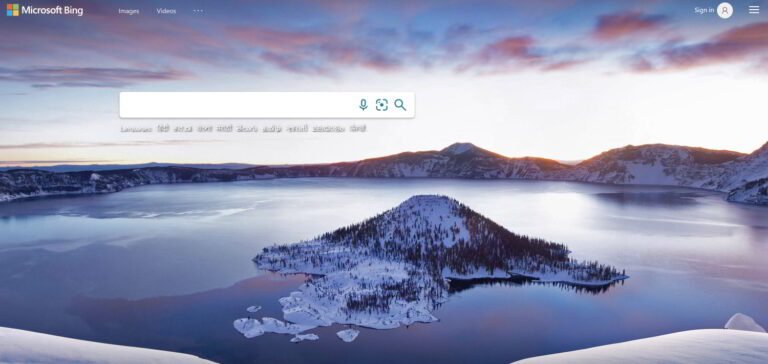
Want to add a background image to Google, like the beautiful photos on Bing’s homepage? In June 2010 Google let signed-in users set their own background image on Google.com, and we showed how. Google removed that option from its homepage in 2012, but you can still get a custom Google background in 2026: set it on Chrome’s New Tab page, which shows the Google search box over your own photo or theme. Here’s how.
Quick answer: Google.com no longer supports background images, so the easiest way to add a background image to Google search is in Chrome: open a New Tab, click Customize Chrome (the pencil icon at the bottom right), choose Change theme, then pick a Google collection, tick Refresh daily, or click Upload an image to use your own photo.
Table of Contents
How to add a background image to Google in Chrome
- Open Google Chrome and press Ctrl + T (or Cmd + T on Mac) for a new tab.
- Click Customize Chrome at the bottom right of the page. A side panel opens.
- Click Change theme.
- Choose a collection such as Landscapes, Art or Earth, or click Upload an image to use a photo from your computer.
- Switch on Refresh daily if you want a new Google background every day.
The Google search box stays in the middle of the page, so it feels just like a Google homepage with your own background. You can also pick a colour scheme in the same panel, which changes the tab and toolbar colours to match.
Use a Chrome Web Store theme
For themes made by artists and brands, click Chrome Web Store in the Customize Chrome panel, pick a theme and click Add to Chrome. To go back to the default look, open Customize Chrome and click Reset to default.
Other ways to get a background behind your search
- Microsoft Edge: open a new tab, click the gear icon and choose a background or Bing’s daily image.
- Firefox: on a new tab, click the pencil or gear icon to choose a wallpaper.
- Bing: Bing.com still shows a new photo every day, which you can also download as desktop wallpapers.
- Your desktop: set your computer to change its background daily with full HD wallpapers.
What happened to Google homepage backgrounds?
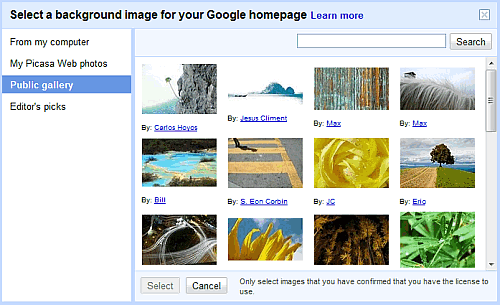
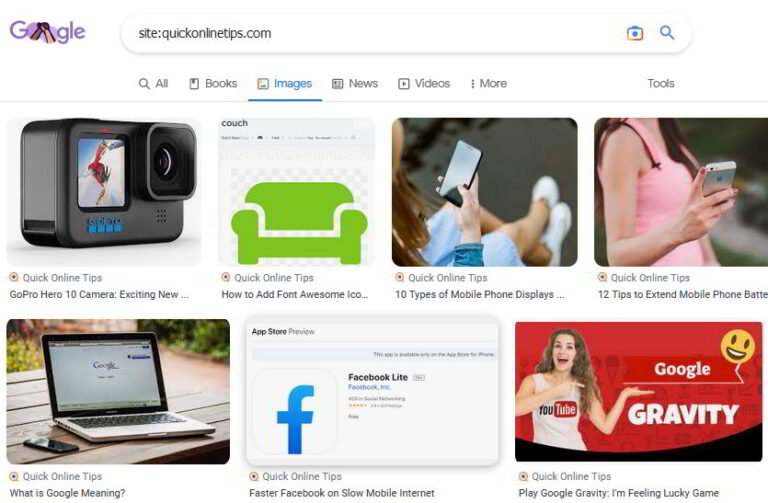
Google launched custom homepage backgrounds in 2010. You could choose from a public gallery, editor’s picks, your own computer or your Picasa albums, and the feature appeared on Google.com when you were signed in. Google retired it in November 2012 to keep the homepage simple. Today Google’s homepage only changes for Doodles, and fun Easter eggs like Google Gravity are the closest thing to customising it.
Frequently asked questions
Can I change the Google.com background?
Not on Google.com itself. Use Chrome’s New Tab page, which shows Google search over your chosen background.
Why don’t I see the Customize Chrome button?
It appears only on the default New Tab page. If an extension has replaced your new tab, disable it, or check that Google is your default search engine.
Can I change the Google background on my phone?
Chrome for Android and iPhone doesn’t offer custom backgrounds on the new tab page, but you can choose light or dark themes in settings.
Does a custom background slow down Chrome?
No. The image loads only on the New Tab page.
Stuck on a gift? Try our free Gift Idea GeneratorIdeas for anyone by age, job, interests and budget, with Amazon.com and Amazon.in linksFind gifts →Get our free weekly email: new tech guides and tools, no spam.
New and updated tech guides, a free tool worth bookmarking and one useful pick, once a week. No spam, unsubscribe anytime.
One email a week. Unsubscribe anytime. See our privacy policy.



It looks better now…
Thanks for the tip.