
Quick Code Styler WordPress Plugin
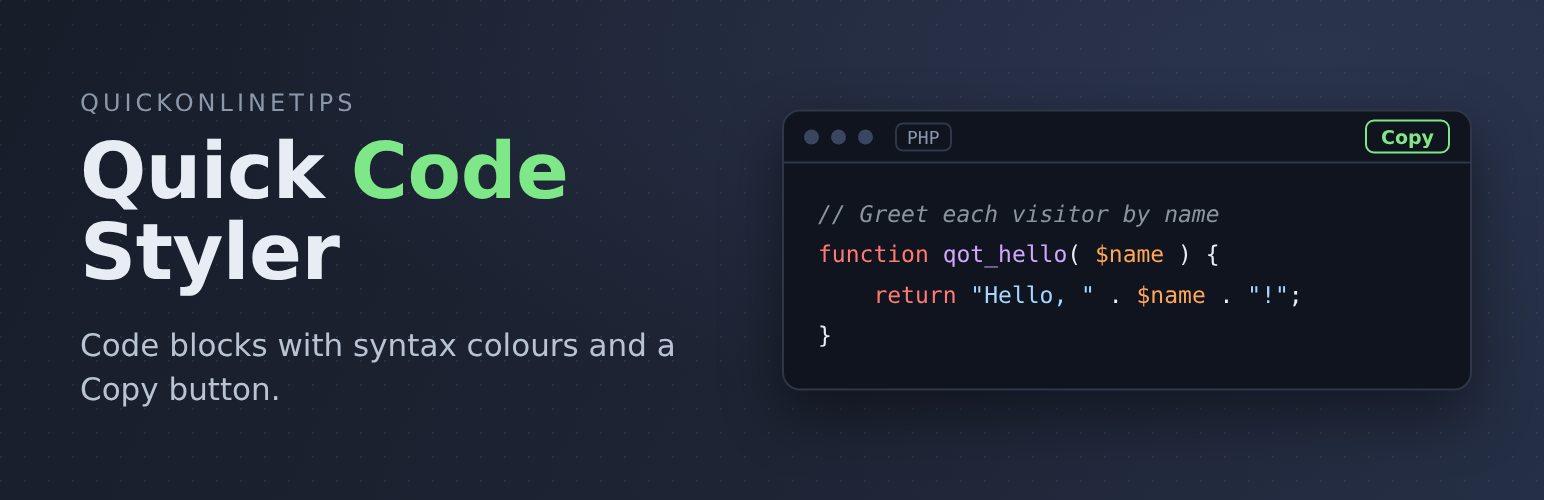
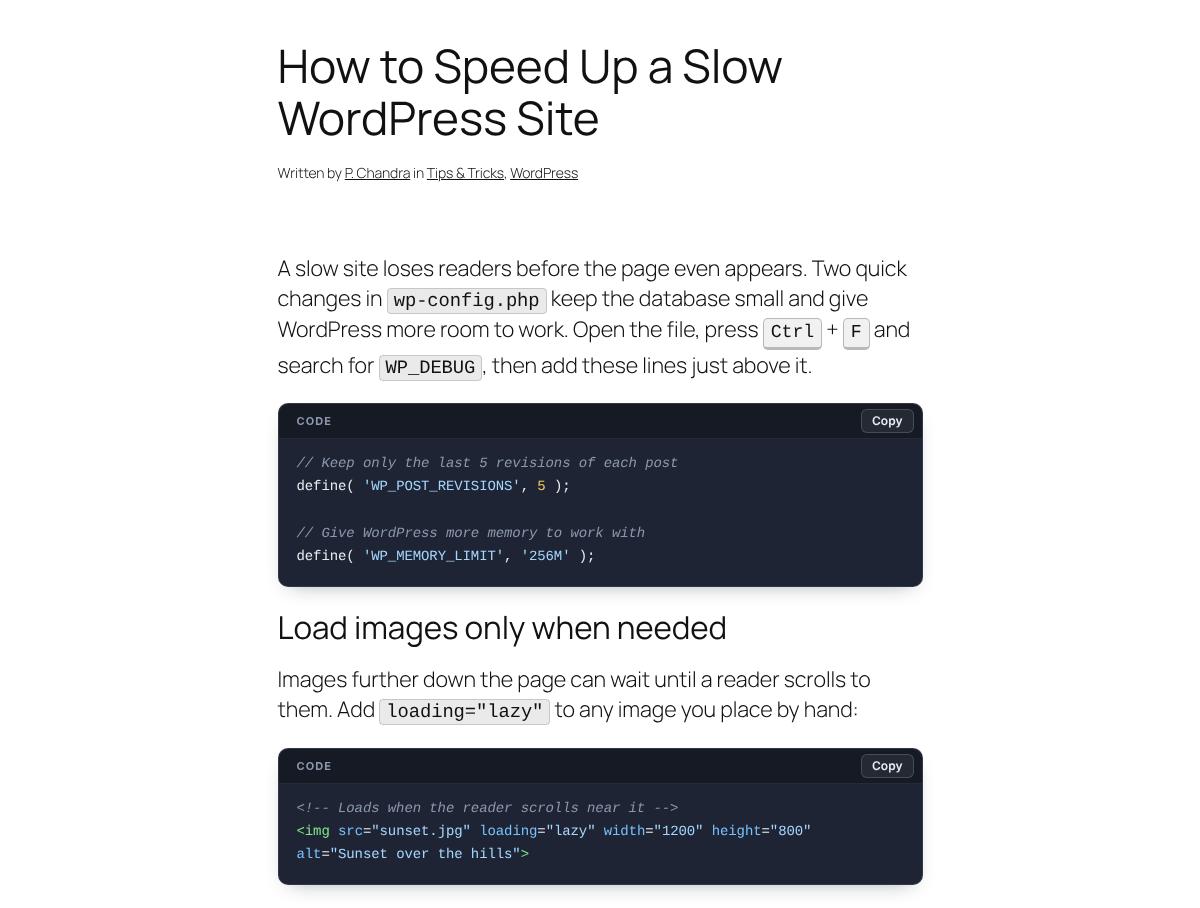
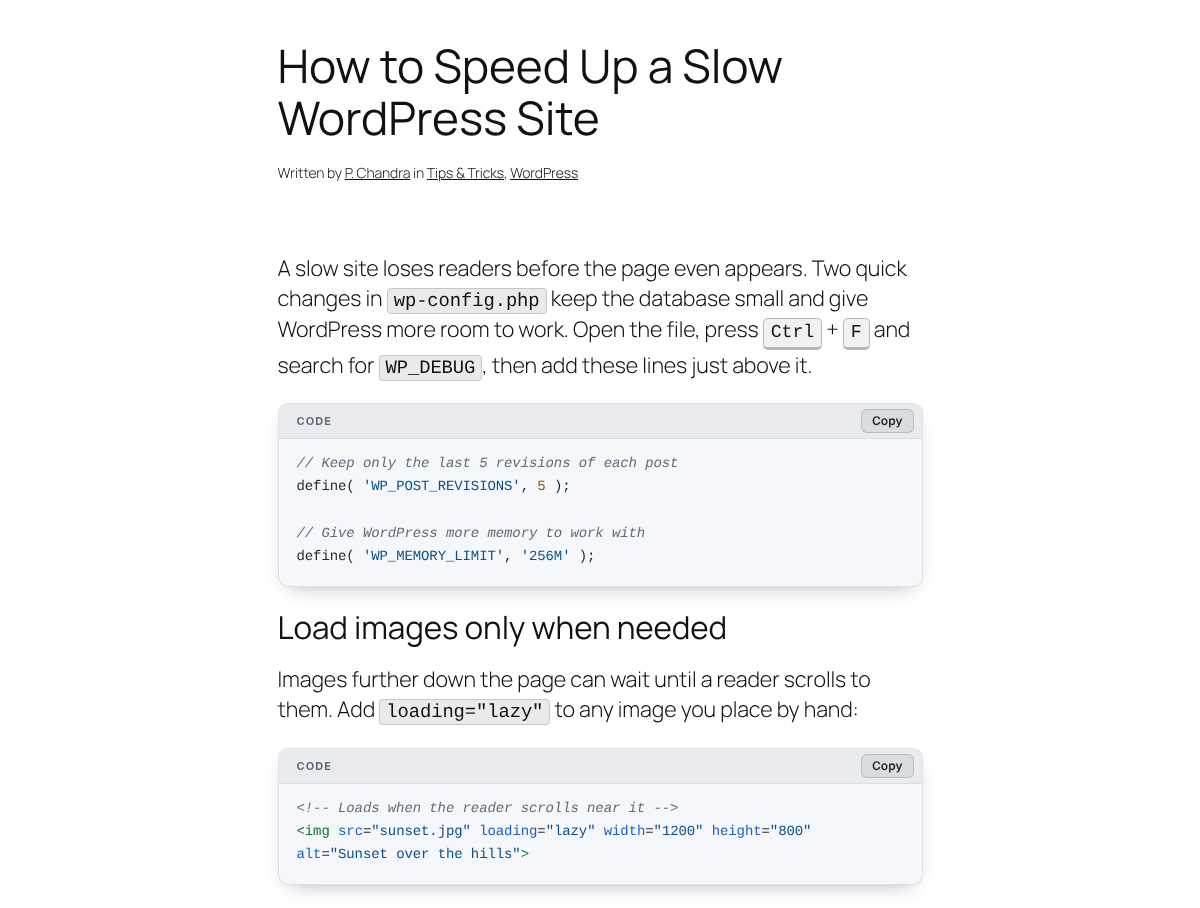
Quick Code Styler makes the code in your posts easy to read and easy to copy. Every code block gets a clean code window, syntax colours and a Copy button, in new posts and old ones. It is based on the code style we use here on Quick Online Tips.
Coming soon to WordPress.org. Quick Code Styler is a new plugin and is being submitted to the WordPress.org plugin directory. Until then, you can get it from GitHub.
What you get
- A clean code window with a header bar, rounded corners and comfortable spacing
- Syntax colours for comments, quoted text, HTML tags, attributes, keywords and numbers, good for HTML, CSS, JavaScript, PHP, Python and shell commands
- A Copy button on every code block
- Three looks: Dark, Light, or Automatic, which follows each visitor’s light or dark mode
- Your own colours with the WordPress colour picker and a live preview
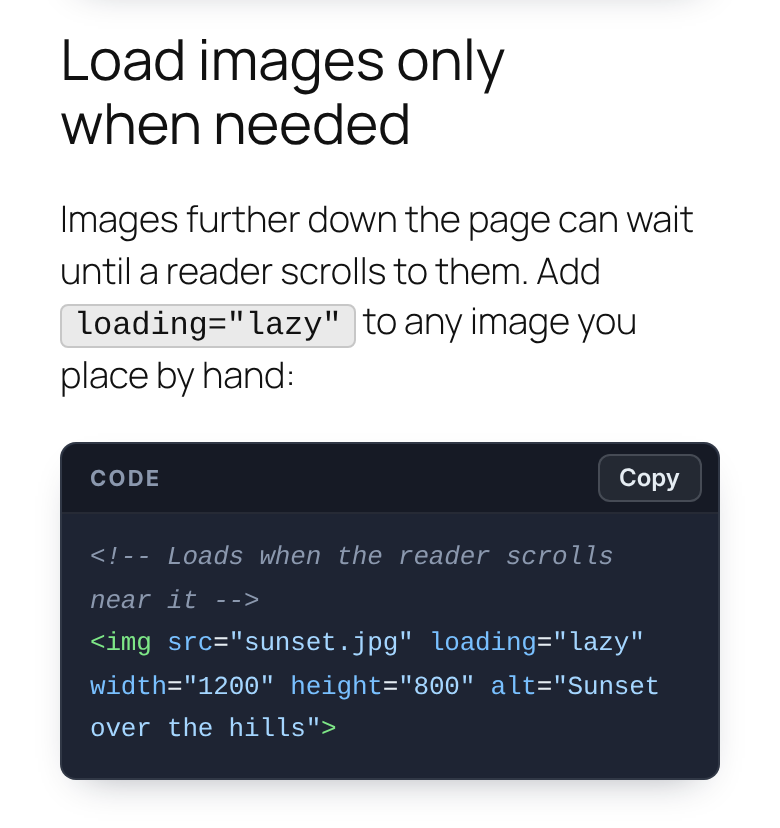
- Mobile friendly: long lines wrap on phones, or scroll sideways like a code editor
- Inline code and keyboard keys:
file_name.phpgets a neat highlight and Ctrl + C looks like real keys - Clean post summaries: code is left out of short summaries on home pages and archives
- Readable by everyone: the built-in colours meet the WCAG AA contrast level
Light and fast
- One small stylesheet and one tiny script, with no outside library
- Loads only on pages that show code. Other pages get nothing extra
- Turn off the colours and the Copy button and it loads no JavaScript at all
- Works with the standard WordPress Code block and classic
<pre>code, so nothing breaks if you ever switch it off
Change the look and colours
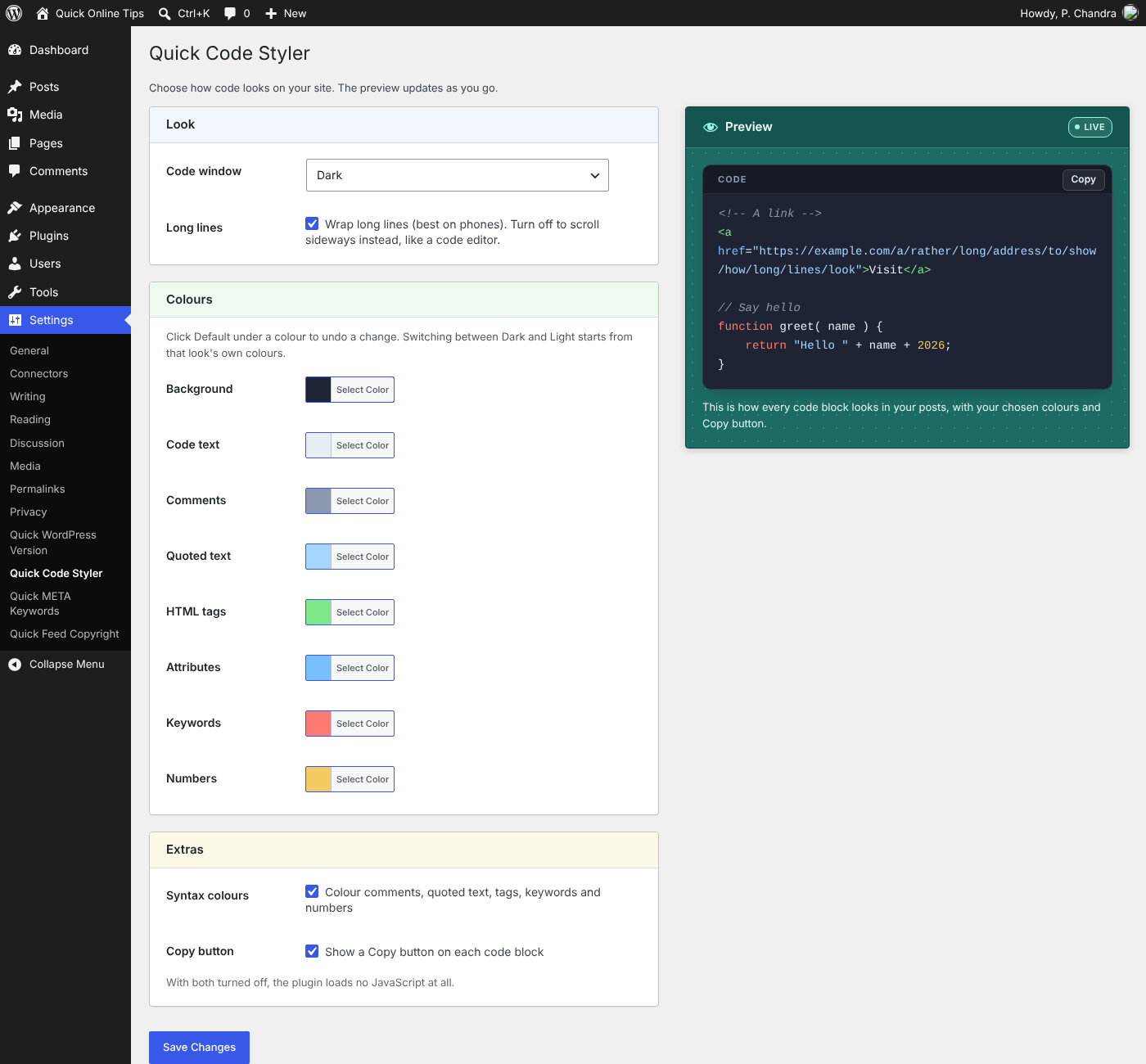
Go to Settings > Quick Code Styler, choose Dark, Light or Automatic, and pick your own colours. A live preview shows the result before you save, and a Default link under each colour undoes a change.
How to install
- Download the
quick-code-stylerfolder from GitHub and upload it to/wp-content/plugins/. Or put the folder in a zip file and use Plugins > Add New > Upload Plugin. - Activate it on the Plugins screen.
- Open any post that has code to see the new look. To change the look or colours, go to Settings > Quick Code Styler.
Questions
How is this different from a full syntax highlighter?
Full highlighters understand hundreds of languages in detail, but load much larger files. Quick Code Styler is made for blogs, tutorials and how-to guides, where code is usually short. It gives you most of the look for a fraction of the weight.
Do I need a special block?
No. It styles the standard WordPress Code block and classic <pre> code you already have.
Which languages are coloured?
The colouring is simple and general, so it suits most short code you would show in a blog post: HTML, CSS, JavaScript, PHP, Python, shell commands and similar. You do not need to pick a language.
How do I show a keyboard key?
Wrap the key in kbd tags, for example <kbd>Ctrl</kbd>. In the block editor, use Edit as HTML on the paragraph.
What does Automatic do?
It shows the light code window to visitors who use light mode on their phone or computer, and the dark one to visitors who use dark mode.
Can I turn off the JavaScript?
Yes. Turn off both Syntax colours and Copy button in the settings, and the plugin loads only its stylesheet.
My page builder’s code is not styled.
The plugin looks for code in the post content. If your builder stores content elsewhere, add this to your theme’s functions.php to load the styles on every page:
add_filter( 'quick_code_styler_load', '__return_true' );Does it slow my site down?
No. It adds one small stylesheet and one tiny script, only on pages that show code.
More WordPress Plugins
- Quick META Keywords WordPress Plugin – Adds a tidy META keywords tag to every post, made from its categories and tags, with a settings page and live preview.
- Quick WordPress Version Plugin – Adds a simple “Powered by WordPress” line to your site, with or without the version number, and shows your installed and latest version.
- Quick Feed Copyright WordPress Plugin – Adds a copyright notice and a link to the original article at the end of every post in your RSS feed.