How to Type the Degree Symbol (°) on Any Keyboard: Windows, Mac, iPhone, Chromebook
Need to write 25°C, a 90° angle or 350°F for a recipe? Here is how to type the degree symbol (°) on any keyboard: Windows PCs and laptops, Mac, iPhone, Android, Chromebook, and in Word, Excel and Google Docs. Each method takes just a second once you know the shortcut, and you can also copy it from here: °
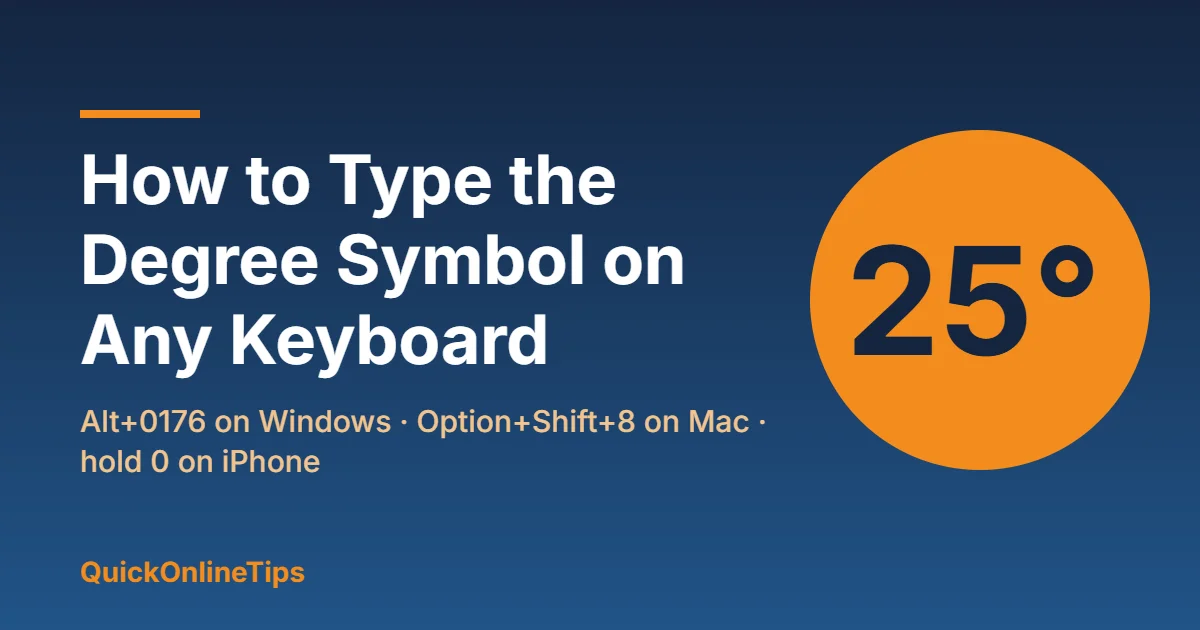
Quick answer: On Windows, hold Alt and type 0176 on the number pad. On a Mac, press Option + Shift + 8. On iPhone, press and hold the 0 key on the number keyboard. On a Chromebook, press Ctrl + Shift + U, type 00B0 and press Space. In Word, type 00B0 and press Alt + X. Or just copy and paste this: °
Table of Contents
Degree symbol shortcuts at a glance
| Device or app | How to type ° |
|---|---|
| Windows (with number pad) | Alt + 0176 |
| Windows laptop (no number pad) | Windows key + . (period), then Symbols |
| Mac | Option + Shift + 8 |
| iPhone and iPad | Hold the 0 key |
| Android | Symbols keyboard (?123, then =\<) |
| Chromebook | Ctrl + Shift + U, 00B0, Space |
| Microsoft Word | 00B0, then Alt + X |
| Excel | Alt + 0176, or =CHAR(176) |
| Google Docs | Insert > Special characters |
| HTML | ° |
How to type the degree symbol on Windows
With a number pad: Alt + 0176
- Turn on Num Lock.
- Hold down the Alt key.
- Type 0176 on the number pad (not the numbers above the letters).
- Let go of Alt and the ° appears.
The shorter Alt + 248 also works in most programs.
On a laptop without a number pad
- Press Windows key + . (period) to open the emoji panel.
- Click the Symbols tab (the Ω icon).
- Find ° under the punctuation or maths symbols, and click it. It also appears in your recently used symbols next time.
You can also open Character Map (search for it in the Start menu), tick Advanced view, search for “degree”, then copy the symbol.
How to type the degree symbol on Mac
Press Option + Shift + 8. This works in any app on a Mac or MacBook.
You may see Option + K suggested elsewhere. That types ˚, a slightly smaller “ring above” character, which looks similar but isn’t the real degree sign. Use Option + Shift + 8 for temperatures and angles.
Another way: press Control + Command + Space to open the Character Viewer, search for “degree” and double-click the symbol.
How to type the degree symbol on iPhone and iPad
- Open the keyboard and tap 123 to show numbers.
- Press and hold the 0 key.
- Slide your finger to ° in the pop-up and let go.
Tip: set up a text replacement under Settings > General > Keyboard > Text Replacement, so typing something like “deg” turns into ° automatically.
How to type the degree symbol on Android
- Gboard: tap ?123, then =\< to open the second symbols page, and tap °.
- Samsung Keyboard: tap !#1, then the 1/2 key to go to the second page, and tap °.
Other keyboards keep it on a similar symbols page.
How to type the degree symbol on a Chromebook
- Press Ctrl + Shift + U. An underlined u appears.
- Type 00B0 (zeros, then B and zero).
- Press Space or Enter. The code turns into °.
The same Ctrl + Shift + U trick works on most Linux desktops.
Degree symbol in Word, Excel and Google Docs
- Microsoft Word: type 00B0 and press Alt + X straight after; Word converts it to °. Alt + 0176 also works, as does Insert > Symbol > More Symbols.
- Excel: use Alt + 0176 while typing in a cell. In a formula, =CHAR(176) returns °, for example
=A1&CHAR(176)&"C"shows 25°C. - Google Docs: go to Insert > Special characters, type “degree” in the search box and click the symbol. Docs also accepts your device’s own shortcut.
- Websites and HTML: write
°or°.
Degree Celsius and Fahrenheit
For temperatures, type the degree sign followed by the letter: °C or °F. Unicode does have single-character versions (℃ and ℉), but they are mainly meant for East Asian text and may look odd in some fonts, so the two-character form is the safer choice.
Typing other special symbols? See how to type the rupee symbol ₹ on any keyboard and the hashtag key on any keyboard. For punctuation, here is how to type an em dash (—) on any device.
FAQ
What is the Alt code for the degree symbol?
Alt + 0176 on the number pad. Alt + 248 also works in most Windows programs.
Why doesn’t Alt + 0176 work on my laptop?
Alt codes need a number pad. On laptops without one, press Windows key + . and pick ° from the Symbols tab.
How do I type the degree symbol on a Mac?
Press Option + Shift + 8.
What is the Unicode for the degree symbol?
U+00B0. That is why 00B0 works with Alt + X in Word and Ctrl + Shift + U on Chromebooks and Linux.