Halloween AI Photo Prompts: 20 Gemini and ChatGPT Prompts to Copy
Looking for a gemini ai photo prompt halloween idea you can use right now? Below are 20 ready-to-copy Halloween AI photo prompts for Gemini and ChatGPT. Upload a clear photo, paste a prompt, fill in the [brackets], and you get a costume portrait, a spooky pet picture or a vintage horror poster in under a minute, without buying a costume or carving a single pumpkin.
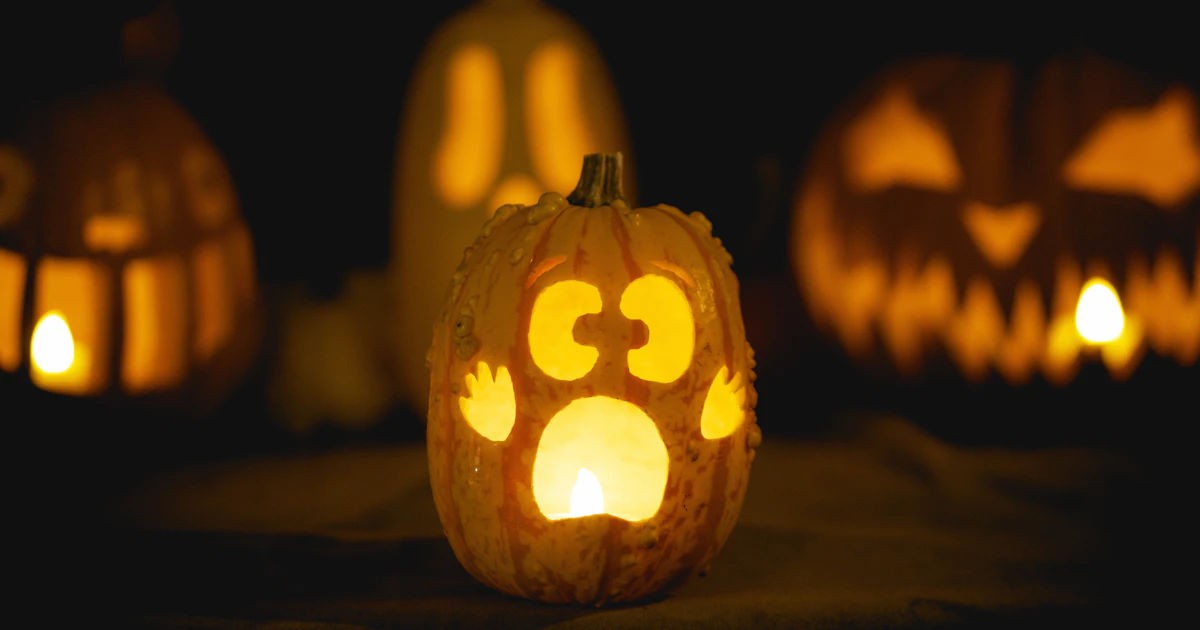
Quick answer: Open Gemini (choose Images) or ChatGPT, upload a clear, well-lit photo of yourself, paste one of the prompts below, and replace the words in [brackets] with your own choices. Add “keep my face, hairstyle and skin tone exactly the same” to every prompt, then ask for small changes until you like the result.
Table of Contents
How to Use These Halloween AI Photo Prompts
Both tools can now take a photo you upload and turn it into something new. The steps are almost identical.
In Google Gemini
- Go to gemini.google.com or open the Gemini app and sign in with your Google Account.
- Open the sidebar and choose Images, or simply start a new chat.
- Upload your photo, paste a prompt from this list and press Submit.
- To change the result, keep chatting: “make the background darker”, “add more fog”, and so on.
Google’s Gemini image help page says you can upload an image and ask Gemini to make edits, or combine several images into a new one. It also notes that editing images is for users aged 18 or over, and that availability depends on your country and language.
In ChatGPT
- Open ChatGPT and start a new chat.
- Attach your photo using the upload option in the message box (or choose More and then Images).
- Paste a prompt and send it. Image creation can take a minute or two.
- Ask for follow-up edits in the same chat, or select part of the image and describe only that change.
OpenAI’s Images in ChatGPT help article says image creation is available on all tiers and that you can upload an existing image and describe the changes you want. Usage limits are not listed there and can change, so if you hit a cap, try again later.
New to prompting in general? Our list of the 30 best ChatGPT prompts covers the basics that also work here.
Costume Portrait Prompts
These turn an everyday selfie into a dressed-up Halloween portrait.
1. Classic Witch
Using my uploaded photo, create a photorealistic portrait of me as a witch. Keep my face, hairstyle and skin tone exactly the same. I am wearing a tall black pointed hat and a [dark purple / emerald green] velvet cloak, holding a glowing potion bottle. Background: a candle-lit room with spell books and carved pumpkins. Warm orange light, shallow depth of field.
2. Elegant Vampire
Turn my photo into a gothic vampire portrait. Keep my face identical. Pale moonlit skin tone, a high-collar [black / deep red] Victorian outfit, subtle fangs, standing in front of an old castle window at night with a full moon. Cinematic lighting, rich shadows, 4:5 portrait.
3. Superhero or Movie Character
Edit my photo so I am wearing an original [superhero / space explorer / pirate captain] costume in [colours]. Do not copy any real brand or film character. Keep my face and expression the same. Dramatic city-at-night background with Halloween decorations, professional photo quality.
4. Friendly Skeleton Face Paint
Add realistic black and white skeleton face paint to my face in this photo, Day of the Dead style with [marigold flowers / colourful patterns] around the eyes. Keep my features recognisable. Soft studio lighting, dark background with orange string lights.
Spooky Portrait Prompts
Want something moodier? These keep you as yourself but drop you into a creepy scene.
5. Haunted Forest
Place me from this photo in a misty haunted forest at midnight. Keep my face and clothes the same. Twisted bare trees, glowing jack-o'-lanterns along a path, thin blue fog and a full moon behind me. Photorealistic, moody blue and orange colour grading.
6. Ghost Selfie
Edit this selfie so a faint, friendly ghost is peeking over my shoulder. Keep everything else in the photo unchanged. The ghost should look semi-transparent and playful, not scary. Slight film grain.
7. Pumpkin Patch Portrait
Create an autumn portrait of me sitting in a pumpkin patch at golden hour, wearing a [cosy knit sweater / flannel shirt]. Keep my face exactly as in the photo. Hay bales, scarecrow in the background, warm sunset light, bright and colourful.
Pet Halloween Prompts
Pets are the easiest subjects because they cannot complain about the costume.
8. Pet in a Costume
Dress my [dog / cat] from this photo in a cute [pumpkin / bat wings / witch hat] costume. Keep the pet's fur colour, markings and face exactly the same. Sitting on a porch decorated with pumpkins and orange lights. Bright, cheerful, photorealistic.
9. Black Cat Spell Book
Turn my cat into a magical witch's familiar sitting on an open spell book, with glowing purple sparkles floating around. Keep my cat's real face and markings. Candles, potion jars and a crescent moon window behind.
10. Trick-or-Treat Pup
Show my dog holding a small pumpkin treat bucket in its mouth on a suburban street on Halloween night. Keep my dog's breed, colours and face accurate. Kids in costumes softly blurred in the background, warm street lights.
Couples Prompts
Upload one photo of you both, or two separate photos and ask the tool to combine them.
11. Matching Couple Costume
Using this photo of us, dress us as a matching [vampire couple / pirate and parrot / skeleton bride and groom]. Keep both faces exactly the same and recognisable. Romantic gothic ballroom background with candles and red roses. Cinematic, high detail.
12. Haunted House Movie Poster
Create a retro horror movie poster featuring the two people in this photo standing in front of a creepy old house. Title text: "[YOUR NAMES] and the House on [Street Name]". Keep our faces the same. 1980s poster style, bold red title letters, foggy night.
13. Pumpkin Carving Date
Show the two of us from this photo carving pumpkins together at a kitchen table, laughing. Keep our faces and hairstyles the same. Cosy warm lighting, autumn leaves, fairy lights, candid lifestyle photo style.
Kids and Family Prompts
Keep these light and friendly. Cartoon styles work well for younger children.
14. Storybook Family Portrait
Turn this family photo into a cheerful Halloween storybook illustration. Everyone wears a simple costume: [list costumes]. Keep each person's hair colour and features recognisable. Friendly, not scary, bright pastel colours, pumpkins and a smiling moon.
15. Little Wizard
Make my child in this photo look like a young wizard in a starry blue robe and pointed hat, holding a glowing wand. Keep the child's face exactly the same. Whimsical magic school library background, warm candlelight, cute and friendly.
16. Cartoon Monster Friends
Redraw this photo of my family as 3D animated characters surrounded by friendly cartoon monsters, bats and pumpkins. Keep everyone's outfits and expressions. Colourful, playful, family-friendly.
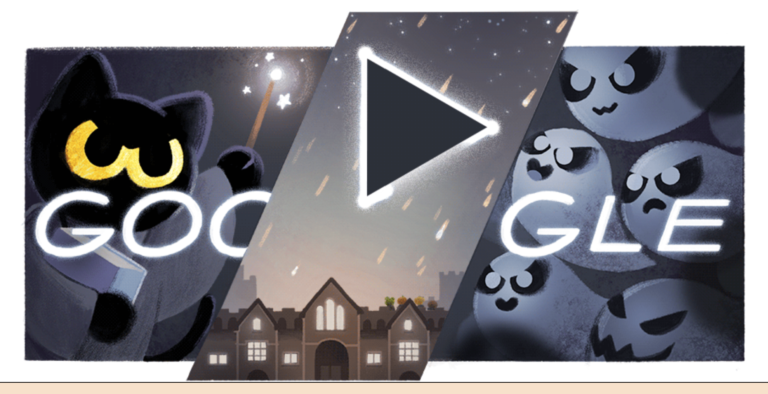
Looking for screen-free fun once the pictures are done? Try our Halloween word search game or play the Google Halloween game Magic Cat Academy.
Group and Party Prompts
17. Halloween Party Group Shot
Using this group photo, give each person a different Halloween costume: [person 1 costume], [person 2 costume], [person 3 costume]. Keep every face and body pose the same. Living room party with orange and purple lights, cobwebs, a snack table with treats.
18. Spooky Squad Poster
Create a dramatic team poster of the people in this photo as a ghost-hunting crew, wearing matching [colour] jumpsuits with flashlights. Keep all faces recognisable. Old abandoned mansion background, green spooky glow, text at the top: "[Group Name] Ghost Squad".
Cinematic and Vintage Prompts
19. Black-and-White Classic Horror
Turn my photo into a 1930s black-and-white classic horror film still. Keep my face the same. Dramatic side lighting, deep shadows, foggy castle staircase, film grain and slight vignette. 16:9 widescreen.
20. Vintage Halloween Postcard
Make a vintage 1950s Halloween postcard using my photo. Keep my face recognisable but in a soft painted illustration style. Black cats, jack-o'-lanterns, a witch on a broom in the sky, cream border and the words "Happy Halloween from [Your Name]".
If you want to build your own variations, our AI portrait prompt generator lets you mix subject, style, lighting and background into a fresh prompt in seconds.
Tips for Better Gemini Halloween Prompts
- Start with a good photo. One person, face clearly visible, good light, no heavy filters. Blurry or dark photos give weaker results.
- Protect the face. Add “keep my face, hairstyle and skin tone exactly the same” to every prompt. If the result drifts, reply “the face does not look like me, keep the original face from my photo”.
- Ask for an aspect ratio. Write 4:5 or 9:16 for Instagram and Stories, 1:1 for profile pictures, or 16:9 for a desktop wallpaper. ChatGPT also has an aspect ratio picker.
- Change one thing at a time. Small follow-ups (“add more fog”, “make the cloak red”) work better than rewriting the whole prompt.
- Describe the style. Google suggests naming a style such as photorealistic, watercolour or cartoon, and describing the subject, action and background.
- Avoid brands and famous characters. Prompts that copy trademarked characters or real celebrities may be refused. Describe an original costume instead.
- Try both tools. The same prompt can look quite different in Gemini and ChatGPT. For more options, see our list of free AI art generators.
Safety and Privacy Note
Only upload photos of yourself or of people who have agreed to it. For children, that is the parent’s or guardian’s call, and a cartoon or storybook style is a sensible choice if you plan to share the picture publicly. Avoid photos that show your home address, school name, car number plate or other personal details.
Remember that AI images are made up. The result may not look exactly like the person in the original photo, and it should never be passed off as a real picture of someone. Read the privacy settings in Gemini Apps Help and the OpenAI Help Center if you want to know how your uploads and chats are stored.
FAQ
Can I use these Halloween AI photo prompts for free?
OpenAI says ChatGPT image creation is available on all tiers, and Gemini offers image generation to signed-in users in supported countries. Limits vary by plan and can change, so check each service if you run out.
Why does the AI change my face?
Image models sometimes redraw faces. Use a clear, front-facing photo, add “keep my face exactly the same” to the prompt, and ask for small edits instead of a complete redo.
Do the gemini halloween prompts also work in ChatGPT?
Yes. All 20 prompts are written in plain language, so you can paste them into Gemini, ChatGPT or most other AI image tools that accept a photo upload.
Can I edit my kids’ photos with these prompts?
That is up to parents. Google says image editing in Gemini Apps is for users 18 and over, so a parent should do the editing. Choose friendly, cartoon-style prompts and think twice before posting children’s images publicly.
Get our free weekly email: new tech guides and tools, no spam.
New and updated tech guides, a free tool worth bookmarking and one useful pick, once a week. No spam, unsubscribe anytime.
One email a week. Unsubscribe anytime. See our privacy policy.