Why Is RAM So Expensive? RAM and SSD Prices Explained (+ 7 Ways to Make Your Storage Last)
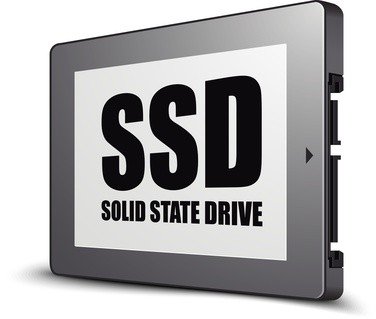
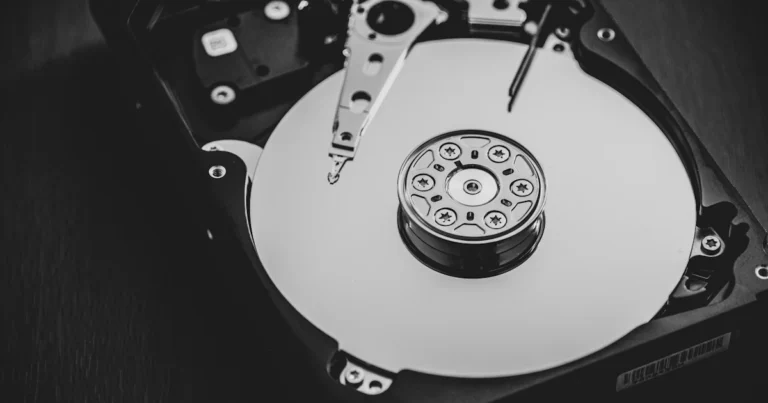
Why is RAM so expensive right now, and why do SSDs, memory cards and even phones with more storage cost more than they used to? The short answer is that AI data centres buy memory chips faster than factories can make them, and PCs and phones get what is left. Here is how memory pricing works, what it means for what you buy, whether to buy now or wait, and 7 free ways to make the RAM and storage you already have last longer.
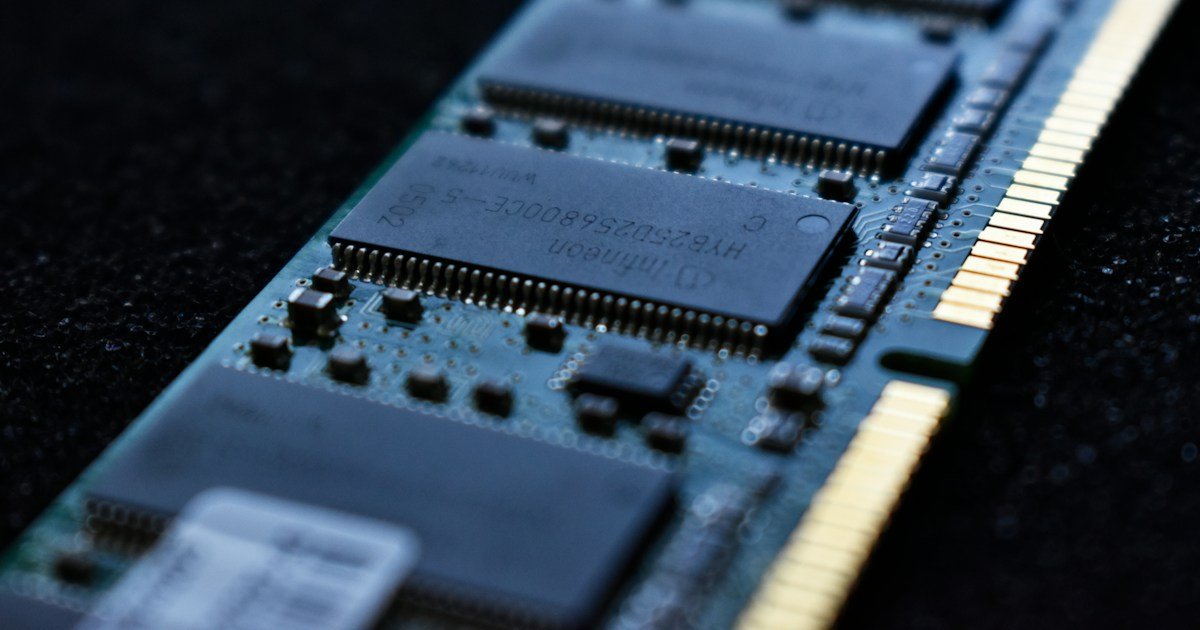
Quick answer: Only a few companies make DRAM (RAM) and NAND flash (SSDs, phone storage, memory cards), and since 2025 they have sold as much as they can to AI servers, which pay more. New factories take years to build, so consumer RAM and SSD prices rise sharply when AI demand jumps. If you need a device now, buy the configuration you need and keep it longer; if you can wait, free up RAM and storage with the tips below and watch the price trend.
Table of Contents
Why are RAM and SSD prices so high?
Three things are pushing prices up at once:
- AI servers need huge amounts of memory. Every AI accelerator ships with stacks of high-bandwidth memory (HBM), and AI servers also use large amounts of ordinary server DRAM and enterprise SSDs. Chipmakers earn more from these products, so they move factory capacity toward them.
- Only a few companies make memory. Most of the world’s DRAM and NAND flash comes from a handful of manufacturers. New factories take years to build, so supply can’t jump just because demand did.
- Consumer devices get what is left. Laptops, desktops, phones, game consoles, USB drives and memory cards all draw on the same limited pool of chips.
Memory has always moved in cycles: prices crash when factories overbuild and soar when demand outruns supply. The AI boom made the up-cycle unusually steep, because AI servers need far more memory per machine than PCs or phones do.
How the shortage affects what you buy
| Product | What you may notice | What to do |
|---|---|---|
| Desktop RAM upgrades | DDR5 and DDR4 kits can cost several times more than before the shortage | Add RAM only if Task Manager shows you regularly run out |
| Laptops | Higher prices, or less RAM/storage at the same price | Check the spec sheet; don’t assume last year’s base model |
| Phones | Fewer low-storage models; bigger storage tiers cost more | Pick the storage you need for 3-4 years, then manage it |
| SSDs | Higher prices per terabyte, smaller drives in prebuilt PCs | Clean up and move old files before buying a bigger drive |
| USB drives and memory cards | Some cards doubled or tripled in price | Use cloud or an existing drive for backups where you can |
7 ways to make your PC and phone memory and storage last
The cheapest RAM or SSD is the one you don’t have to buy. These steps use only built-in tools.
1. Find out what is really using your RAM
On Windows, press Ctrl + Shift + Esc to open Task Manager and sort by Memory. On a Mac, open Activity Monitor and click the Memory tab. If memory use stays near the top all day, you may genuinely need more RAM; if it only spikes with dozens of browser tabs open, the fixes below are cheaper.
2. Turn on Chrome Memory Saver (or your browser’s tab sleeping)
Browsers are often the biggest RAM users. In Chrome, open the three-dot menu, go to Settings > Performance and turn on Memory Saver; Google says it frees memory from tabs you aren’t using (Chrome Help). Microsoft Edge has a similar Sleeping tabs feature in its settings.
3. Stop apps from starting with your computer
On Windows 11, go to Settings > Apps > Startup and switch off apps you don’t need at sign-in. On a Mac, check System Settings > General > Login Items & Extensions. Fewer background apps means more free RAM and a faster start.
4. Let Windows clean up storage automatically
Open Settings > System > Storage and turn on Storage Sense, which can empty the Recycle Bin and delete temporary files on a schedule. The same page shows Cleanup recommendations for large or unused files. On a Mac, System Settings > General > Storage lists recommendations such as optimising storage and emptying the Trash automatically.
5. Offload apps and clear old media on your phone
On iPhone, go to Settings > General > iPhone Storage; you can turn on Offload Unused Apps, which removes the app but keeps its documents and data. Also empty Recently Deleted in Photos, because deleted photos keep using space for up to 30 days. On Android, the Files by Google app’s Clean tab finds duplicates, large files and old downloads. Our guide on clearing the cache on iPhone walks through Safari, Chrome and app caches.
6. Move big files to the cloud or an existing drive
Videos, phone backups and old project folders take the most space. Move them to cloud storage you already pay for, or to an old external drive, instead of buying a new larger SSD at today’s prices. Keep at least 10-15% of your main drive free so the system and updates have room to work.
7. Upgrade smart, not big
If you do need more memory, match the upgrade to your real use. For most people, 16GB of RAM is enough for everyday work and browsing, while heavy video editing, large games or running AI models locally benefit from 32GB or more. On an older desktop, a modest RAM or SSD upgrade can still add years of life; see how I upgraded an old desktop PC for the steps. Check your motherboard’s supported memory type (DDR4 or DDR5) before buying.
Should you buy RAM or an SSD now or wait?
Nobody can promise when prices will fall. Memory prices usually ease only after new factory capacity comes online, which takes years. A practical rule:
- Buy now if your current device is broken, too slow for your work, or you need a new laptop or phone anyway. Waiting may cost more, not less, while AI demand stays strong.
- Wait if your device still works and the tips above free enough RAM and storage. Watch seasonal sales such as Black Friday, but don’t expect a quick return to old prices.
- Buy the right size once. With phones and laptops where RAM and storage can’t be upgraded later, buying too little is the most expensive mistake.
Before you buy, compare the full price of the configuration you need across a few retailers, and check the return policy in case prices drop soon after.
What changed in 2026: the latest on memory prices
Updated 1 November 2026.
In February 2026 the Wall Street Journal reported that contract prices for DRAM and NAND flash had risen roughly sevenfold over the previous 12 months, according to TrendForce data, and that PC makers such as Dell had raised some laptop prices by up to 30%. In April, Tom’s Hardware found that USB flash drives and memory cards on Amazon cost a median of about 124% more than in 2025, with one popular 256GB microSD card up 261%.
By late 2026 prices were still climbing, just not as steeply. For October to December 2026, market tracker TrendForce forecast conventional DRAM contract prices up 10-15% and NAND flash up 15-20% on the previous quarter. It also noted that PC brands are shipping smaller SSDs in mainstream models to keep prices down.
Sam Altman on RAM in PCs: in a YouTube interview reported on 30 October 2026, OpenAI CEO Sam Altman said that running AI models on home computers is a poor use of the world’s limited DRAM, because a home PC’s memory sits idle most of the time while a data centre keeps it busy around the clock. As Tom’s Hardware reported, the comments upset many PC enthusiasts who would rather own their hardware than rent computing power. Whatever you think of the argument, it shows where the biggest demand for memory sits. Analysts quoted by the Wall Street Journal expect supply to stay tight through 2028.
FAQ
Will RAM prices go down?
Eventually, as new factories come online, but forecasts in late 2026 expected increases to slow rather than reverse, with supply tight into 2027 and possibly 2028.
Why is RAM more expensive than storage?
Per gigabyte RAM has always cost more, and in a shortage DRAM comes under the most pressure because AI servers need fast memory (HBM and server DRAM), and making HBM uses more factory capacity per gigabyte than ordinary RAM.
Are phone prices going up because of memory?
Yes. Phone makers have raised prices, dropped low-storage models or reduced specs because memory is a large share of a phone’s cost. Budget models are hit hardest.
Is 8GB of RAM still enough?
For light browsing, email and documents it can work, especially with Memory Saver on. For multitasking, many browser tabs or newer AI features, 16GB is a safer choice for a device you plan to keep for years.
Stuck on a gift? Try our free Gift Idea GeneratorIdeas for anyone by age, job, interests and budget, with Amazon.com and Amazon.in linksFind gifts →Get our free weekly email: new tech guides and tools, no spam.
New and updated tech guides, a free tool worth bookmarking and one useful pick, once a week. No spam, unsubscribe anytime.
One email a week. Unsubscribe anytime. See our privacy policy.