
Google AdSense Tips and Tools: The Complete 2026 Collection
This is our collection of Google AdSense tips and tools, first compiled in 2006 when the list included Firefox notifiers, referral programs and Picasa. Almost all of those are gone. Here is the 2026 version: the official resources, free tools and practical tips that actually help you earn more from AdSense today.

Quick answer: The most useful AdSense tools in 2026 are your AdSense account reports, the Policy center, Auto ads, Brand safety blocking controls, Experiments, Google Analytics, Search Console and the Site Kit plugin for WordPress. Combine them with good placement, fast pages and useful content.
Table of Contents
Official AdSense resources
- Google AdSense – sign in, create ad units, see earnings and payments.
- AdSense Program policies – the rules every publisher must follow. Avoid these common AdSense mistakes.
- AdSense Help Center – official guides, troubleshooters and the community forum.
- Google Search Essentials – the webmaster guidelines that help Google find, index and rank your site.
Tools inside your AdSense account
- Auto ads – lets Google place ads for you, including anchor ads, vignettes and side rails. See using AdSense Auto ads and AdSense side rails ads.
- Reports – break down earnings by site, page, ad unit, country and device. Watch page RPM, not just clicks.
- Policy center – shows any violations or ad serving limits. Check it weekly.
- Brand safety and blocking controls – block sensitive categories and specific advertisers. You can also block AdSense ads of affiliate products.
- Experiments – test ad balance and blocking settings against your current setup with a fair traffic split.
- Sites and ads.txt – add every site you monetise and keep an up-to-date ads.txt file.
Free tools that work with AdSense
- Google Analytics – link it to AdSense to see which pages and traffic sources earn most.
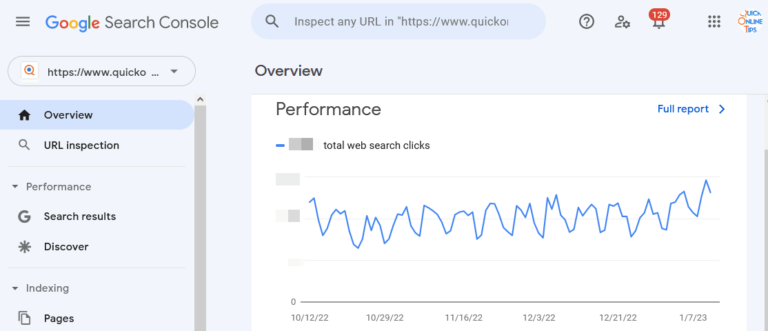
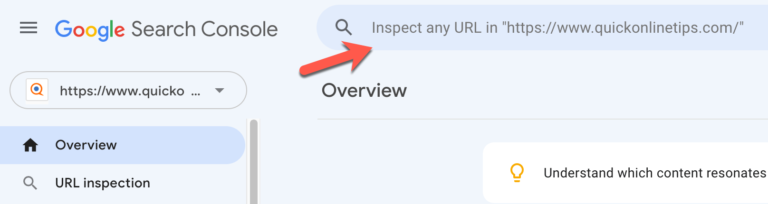
- Google Search Console – shows which searches bring visitors, so you can write more of what earns.
- Site Kit by Google – official WordPress plugin that connects AdSense, Analytics and Search Console in one dashboard.
- PageSpeed Insights – ads slow pages down; check your Core Web Vitals after adding ad units.
- Google Keyword Planner – find topics advertisers pay for. See our highest paying AdSense keywords.
AdSense tips for 2026
- Write for readers first. Helpful, original pages rank better and attract better-paying ads.
- Place ads where people read. In-content ads and one ad near the top usually perform best. Learn how to increase AdSense CTR.
- Keep pages fast and clean. Lazy load images and avoid too many ad units.
- Hide empty slots. Hide unfilled AdSense ad spaces so pages never look broken.
- Diversify. AdSense earnings rise and fall with ad budgets. Affiliate links, sponsorships and your own products reduce the risk.
Old AdSense tools that no longer exist
If you find older guides, note that the Firefox AdSense Notifier extensions, AdSense referrals for Firefox and Google Pack, link units, the old Google Publisher Toolbar and colour customisation of text ads have all been discontinued.
How to read your AdSense numbers
New publishers often focus on clicks, but three numbers tell you more. Page RPM is what you earn per thousand page views, and it is the best single measure of how well a page earns. Impressions show how many ads were actually displayed, which matters more since AdSense moved to impression-based payments. Active View viewable shows the share of ads that people could actually see on screen. If viewability is low, move units higher or into the content; if RPM is low on a popular page, test a different layout with Experiments before adding more ads.
FAQ
What is the best free tool to track AdSense earnings?
The reports in your AdSense account are the most accurate. Linking AdSense to Google Analytics adds page-level and traffic-source detail.
Is there an official AdSense plugin for WordPress?
Yes. Site Kit by Google connects AdSense to WordPress and can add the Auto ads code for you.
Do I still need ads.txt?
Yes. A correct ads.txt file tells advertisers your inventory is authorised. Without it, earnings can drop.
Get our free weekly email: new tech guides and tools, no spam.
New and updated tech guides, a free tool worth bookmarking and one useful pick, once a week. No spam, unsubscribe anytime.
One email a week. Unsubscribe anytime. See our privacy policy.


Landed on here from WikiHow; this page looks like Wikipedia of AdSense. Thanks for compiling this much info with link for almost all the topics
Dear Admin
could you please tell me how to protect google adsense?
I found a little information on a blog (www.makebuxmoney.com), but I’m not sure that this information is correct and accepted by google adsense, please i need help, thanks a lot
Great collections of useful resources you have, I’ll refer on this. Thank you.
Could you write about best link format ad tricks? I’m looking for :D thanks
Its a great stuff.. Good job.. Keep rocking
I will follow this tips and hope my adsense earnings will improve in the future. I will report back and tell you what happend to them.
The section for “Google Adsense Optimization Tips” is excellent and work fine.
I cant get an adsense account and no one over at google will tell me why my application was not approved. They just don’t respond to emails. I request u all to help me out by giving me some tips or advice.
Hello
i have my google adsense account. but i am not able to login. if i would new account as google said for getting username and passwords. Would my remaining money be transfered to new account ? or just be issued check at described payee name in old account account?
i have same problem with khrisna kumar… how to solve with that problem???
Best collection ever.
this tips are great for the adsense user
As I seek to optimize google ads, I find this page indispensable. Thanks for the great information.
Richard
Exellent adsense resouces, Thanks.
Dear i thinks These tools are great thank you
Nice tips. All these tools are very useful. For a successful adsense campaign one should use these tools and monitor their sites.
These tools are great thank you. Very much.
Hi. I think you’ve forgot another notifier MoneyQuake.
The section dedicated for “Google Adsense Optimization Tips” is excellent and gives valuable insight about tweaking and optimizing Ads. If possible add some free ebooks about Adsense.
This is superb,continue giving tips and i will be back soon to this website
You should also mention the Internet’s largest list of Adsense Revenue Sharing sites. :)
Here: http://www.reviewerofsites.com/the-internets-largest-list-of-adsense-revenue-sharing-sites/
one more preview tool i found
googlock.com
I see you have done wonderful research on adsense, thanks for sharing. You must be earning livings, all the best!
All your posts like this one are resource full. Top resource post. Thanx
AdLogger is not available anymore.
Clickaider.com is good alternative for statistic reports.
This is the most extensive list of adsense resources i have found. Appreciated the effort. Simply too good.
Great tips, I already bookmark, and need time sitting and read read and read.
Thank
Excellent resource list. I will have to save this for later and peruse through all the links.
There’s some great content on here perfect for my new journey blog.
there are many article and information on how to make money from adsense, but it is not easy to find an information on “how to prevent google banned you” especially on preventing people sabotage you…. can you help to get the information on that ?
You might also want to looka t this adsense calculator – http://www.tutorials-db.com/tools/Adsense_Calculator/
Yet another blogpost I can’t live without. Just joined AdSense and hoping to make a little Christmas money from it. LOL! THANKS for the great tips!